18 Spam Text Message Examples & How to Identify Them
Browse 18 spam text message examples that highlight the warning signs to watch for and how to report or block each scam.

KEY TAKEAWAYS
- Roughly 4.5 billion robotexts went out weekly in late 2024, making vigilance around smishing scams a daily survival skill for every phone user.
- Pew Research found that 61% of U.S. adults get a scam text at least once a week, and 20% see one every single day.
- AI makes spam harder to detect by cleaning up grammar, personalizing messages, and letting scammers scale convincing schemes at unprecedented speed.
- Textedly is a 100% opt-in service that protects subscribers with TCPA and CTIA compliance tools, plus clear STOP and HELP handling on every campaign.
Check your texts from the past week, and there’s a good chance one of them was trying to scam you. You might feel that’s an exaggeration, but according to a 2025 Pew Research Center report, 61% of U.S. adults receive a scam text at least once a week, and 20% receive one every day.
With so many texts claiming to be real, it’s important to stay vigilant and up-to-date on what spam messages often look like. Most of those messages rely on the same handful of tricks, like a package you didn’t order or a toll bill you don’t owe.
Let’s walk through 18 spam text message examples by scam type and the common red flags they share. By the end of this guide, you’ll learn what to do when a scam text appears, from reporting it to blocking the sender for good.
What Spam Texts Are and Why You Get Them
Spam text messages trick you into handing over personal data to cyber criminals posing as a familiar business, organization, or even a family member. The sooner you recognize the pattern, the easier it is to shut the scam down before it costs you anything.
These scam messages go by a few different names. Phishing is the broader term for any scam that uses deception to steal personal information, most often over email. Smishing, short for SMS phishing, is the text-message-specific version.
Criminals use phishing messages to steal sensitive information, like usernames, passwords, Social Security numbers (SSNs), and credit card numbers. They use that data to commit fraud or identity theft, often before you even notice anything’s wrong. Other scams try to get you to download malware instead, usually by hiding it behind a seemingly harmless link.
Under the Telephone Consumer Protection Act (TCPA), businesses can’t send messages to you without your permission. So even if you have a long-standing relationship with a legitimate company, they can’t text you if you haven’t granted express written consent.
An unsolicited text is a red flag on its own, even before you look at what it’s asking you to do. Here’s what these scams look like, broken down by the tricks scammers lean on most. Check out these phishing text examples so you know what red flags to look out for.
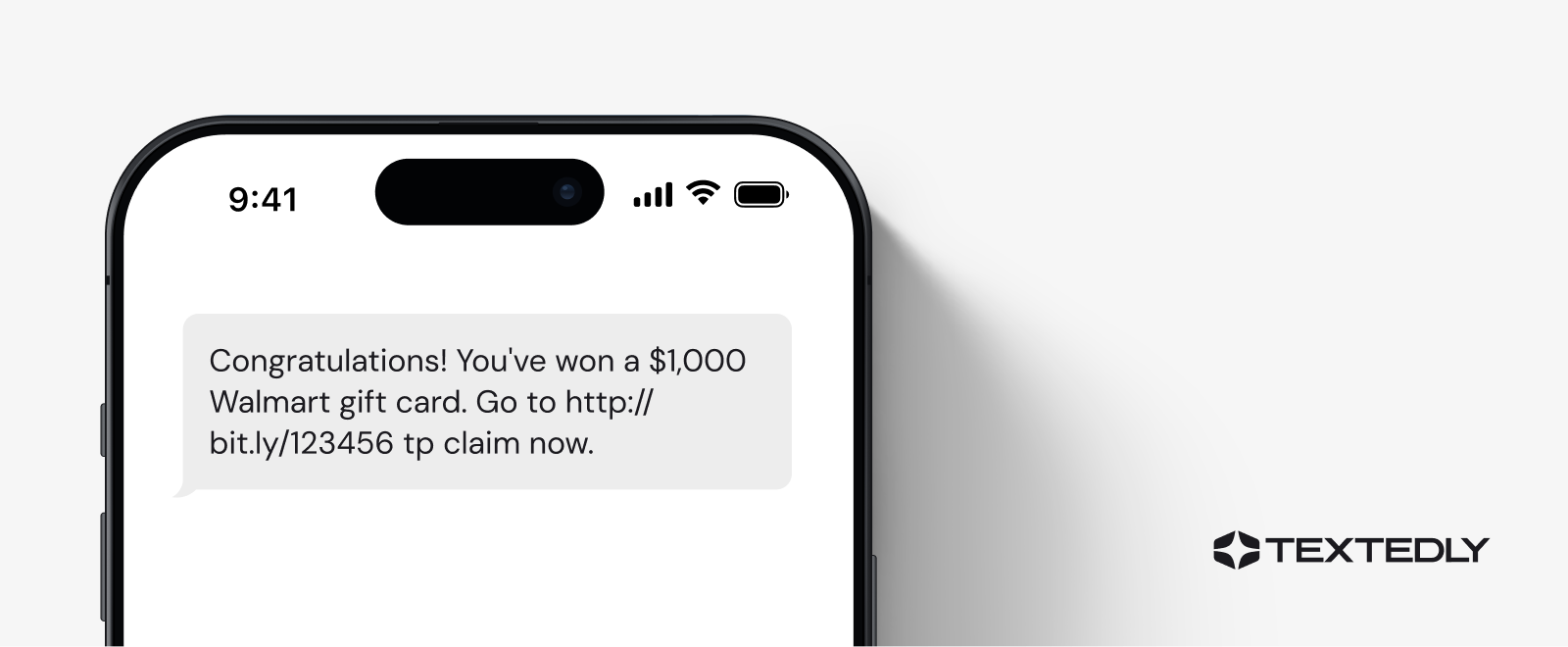
1. You've Won!
Example text: “Congratulations! You’ve won a $1,000 Walmart gift card. Go to bit.ly/4kJp9x tp claim now.”
Winning an unexpected prize sounds great, in theory. However, being notified of winning a contest you didn’t enter is one of the clearest signs of a fake text. Scammers lean on this example because the promise of free money is hard to ignore, even for people who usually know better.
The link itself is the next giveaway that it’s a phishing scam. Shortened URLs like bit.ly hide the real destination, and a legitimate prize notification should link to a company’s own domain.
The typo in “tp claim” is suspicious too, since these scams are usually blasted out to thousands of numbers at once without review.
If you’re unsure whether an offer is authentic, contact the business directly to verify.
2. A Government Agency Is Trying to Contact You
Example text: “Your IRS tax refund is pending acceptance. Must accept within 24 hours: bit.ly/sdfsdf.”
Government agencies like the IRS and the Social Security Administration both start official contact by mail. A call or text might follow later in rare cases, but only after you’ve already received a letter, and never to demand instant payment or personal information out of nowhere.
A tax refund doesn’t come with a countdown clock, so the 24-hour deadline exists to rush you into making an emotional, impulsive decision. If something like this lands in your inbox, don’t click the link.
Log in to your account directly, or call the official government number listed to check whether anything needs to be handled.

3. You Have a Refund Coming
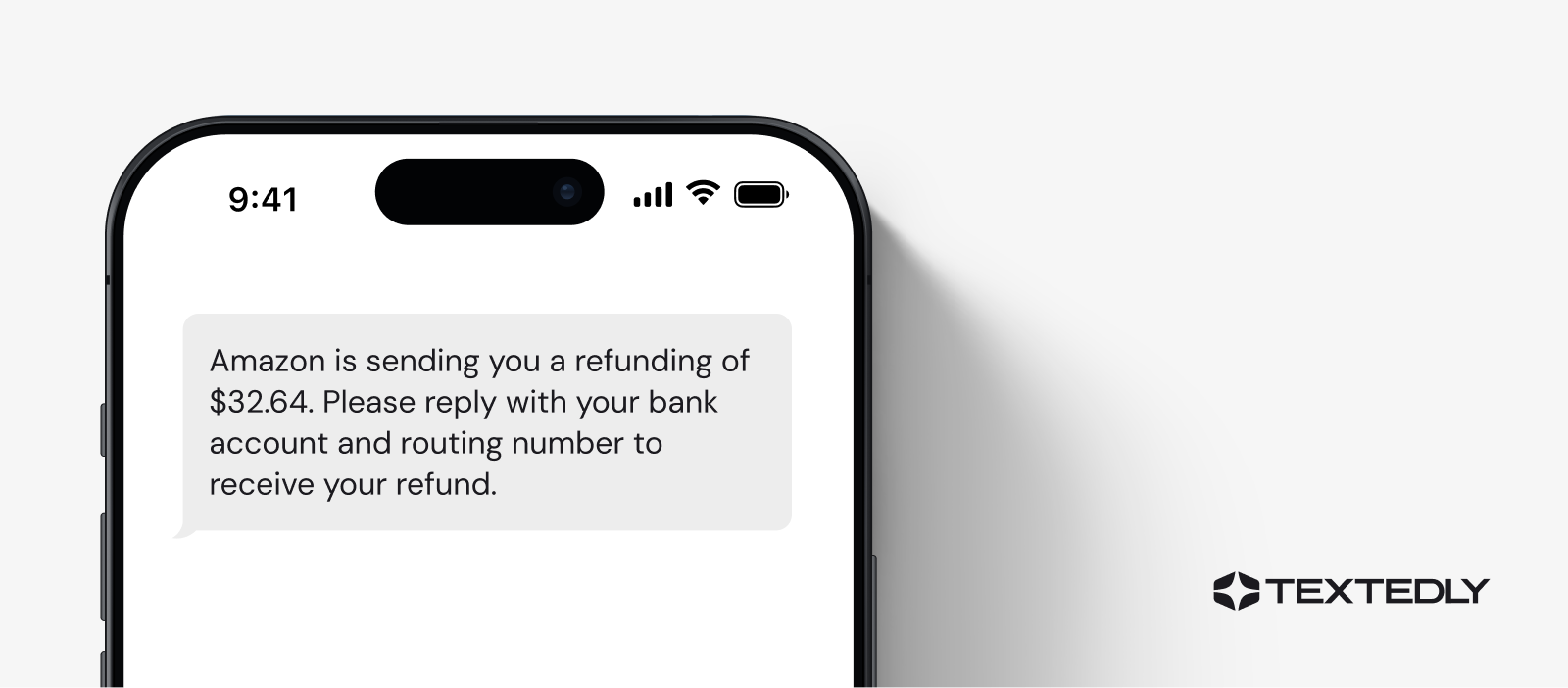
Example text: “Amazon is sending you a refunding of $32.64. Please reply with your bank account and routing number to receive your refund.”
Notifications involving money owed to you are enticing, especially when the amount feels small and believable. A modest refund reads as more credible than an obvious “you’ve won $1,000” scam text.
Retailers already have a payment method on file for every order, so a refund is returned to the original payment method with no extra information needed.
Someone asking for your bank’s specific details via text means a person other than an official vendor is trying to access your account to withdraw funds. Don’t reply. Instead, check your order history directly on the retailer’s site or app.
4. Verify Your Bank Account
Example text: “Wells Fargo Bank: Your account is temporarily locked. Please log in at goo.gl/2a234 to secure your account.”
Scams posing as financial institutions like Bank of America, Wells Fargo, and Chase have famously enabled scammers to steal large amounts of personal banking information from customers. Account-lock texts work especially well because losing access to your money feels urgent in a way that’s hard to ignore.
Legitimate companies never request personal or financial details through a text message. So if you get a random verification text from your bank or a message saying your account is locked, it’s probably fake. Log in to your account to check and contact your bank directly if you find anything suspicious.

5. You Have a Package Delivery
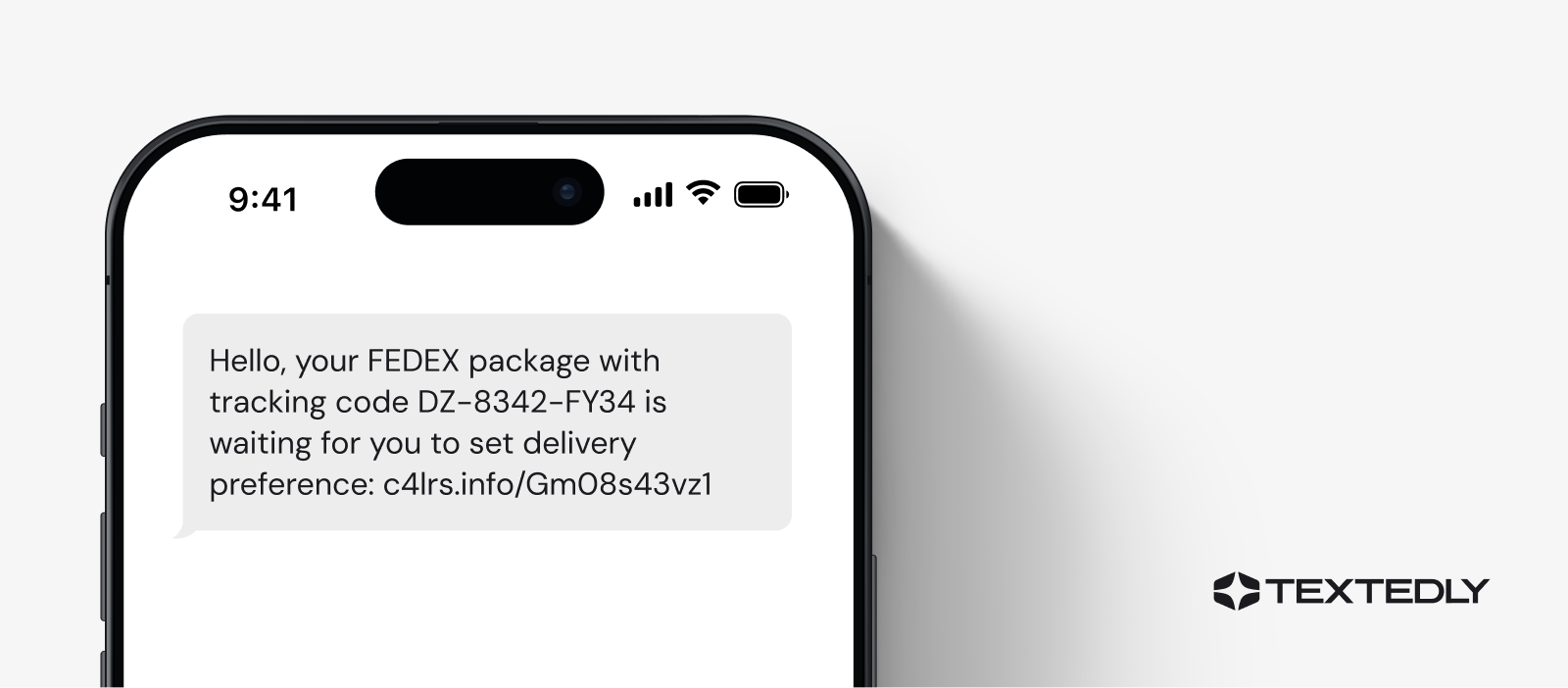
Example text: “Hello, your FEDEX package with tracking code DZ-8342-FY34 is waiting for you to set delivery preference: c4lrs.info/Gm08s43zs1”
With deliveries from Amazon and FedEx so commonplace now, a text message regarding a package or order would be easy to overlook. But delivery service impersonation is one of the most-reported package scams out there, since nearly everyone gets mail and package texts regularly enough that a fake one blends right in. While shippers send legitimate shipping update texts, they’ll never ask for personal information or money to complete a delivery.
Scammers might include a tracking code to make the text look official, but it’s a meaningless, invented string. Real delivery texts also never route through a random third-party site to “set a delivery preference.”
If you’re expecting a package, check its status directly through the carrier’s official app or website. If you don’t remember ordering at all, ignore the link entirely.
6. Boss Needs Help
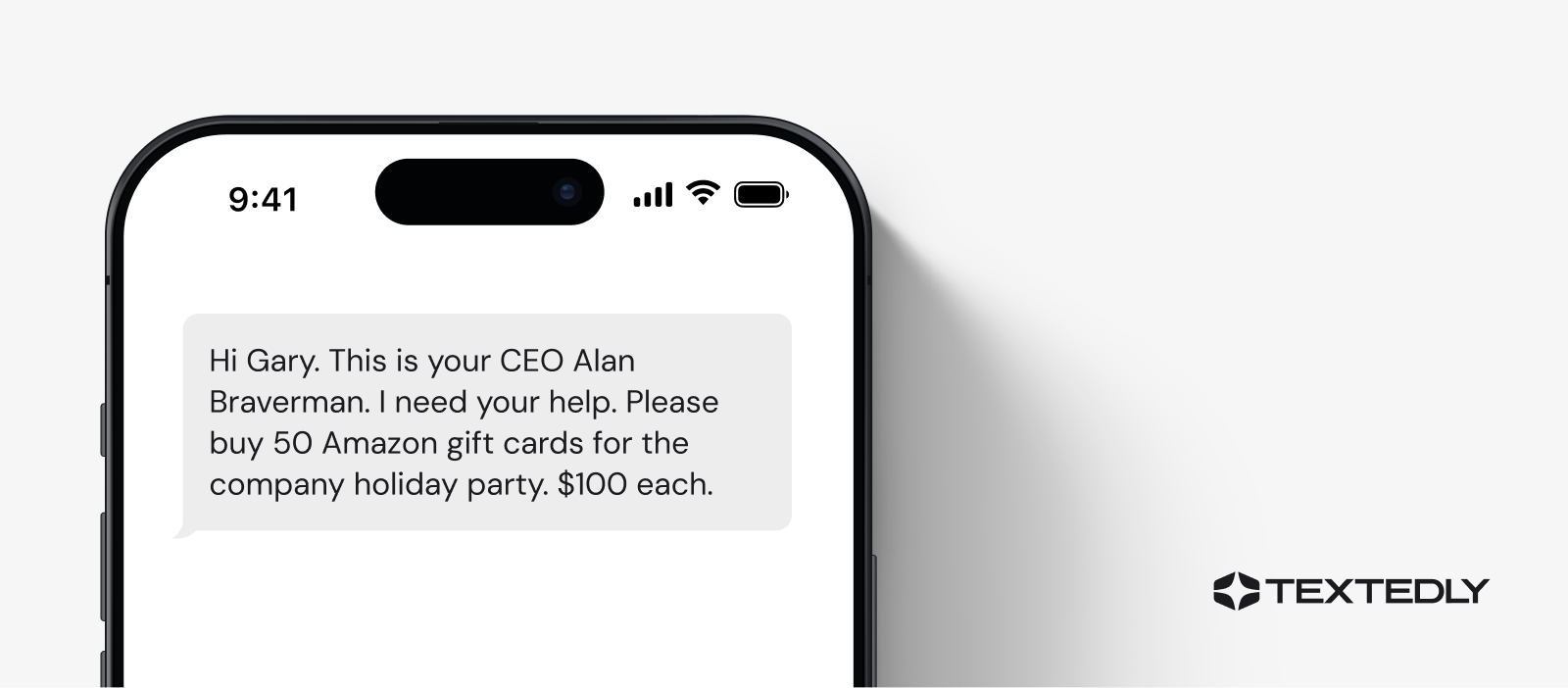
Example text: “Hi Gary. This is your CEO Alan Braverman. I need your help. Please buy 50 Amazon gift cards for the company holiday party. $100 each.”
A new common text message fraud is a scammer pretending to be your boss or a company executive. Being asked directly by your boss makes it hard to say no, and there’s a quiet worry that pushing back might make you look difficult or get you in trouble. The idea that the company will likely reimburse you also makes handing over the money feel like a temporary measure.
But that message is too unprofessional to sound like something your boss would send, and a CEO you already work for wouldn’t need to formally introduce themselves by full name and title in a text. They also wouldn’t hand off a $5,000 purchase to an employee over SMS. Before buying gift cards or transferring large sums of money, reach out to confirm the request with your boss or manager.
7. Fake Subscription Renewal
Example text: “Netflix: AJ, your subscription has expired. Renew now for just $1 a month: 62jjsm4.eeaar.com”
With the rise in subscription services, it can be easy to forget what you’re paying for and when. Don’t let this cause you to fall for scam text messages about renewing a subscription for a record-low price.
Seeing your name in the text, instead of a generic “Dear Customer,” makes the message feel personal and lowers your guard before you’ve even read the offer. From there, the “$1 a month” price plays on a sense of urgency and relief: your subscription is gone, but here’s a cheap, easy way to get it back immediately.
To check your subscription, log in to your account through the provider’s official site or reach out to the subscription’s customer support team to confirm it’s a real deal.

8. Low-Interest Credit Card Offers
Example text: “SAM-OFFER FOR YOU. I can get you approved for a no-interest credit card today ONLY. Learn more: aihfori.it.car.com”
Another common text message scam to be wary of is a low or no-interest credit card promotion. Scammers often claim they can secure “no-interest credit cards” for you because they have ties to a bank.
The urgency here is doing most of the convincing. A “today ONLY” deadline pushes you to click before thinking it through. If the low interest rate or offer seems too good to be true, it most likely is. A reputable bank won’t offer these credit cards to you out of the blue. This scam typically includes a suspicious link that contains malware.

9. Verify Your Tech Account
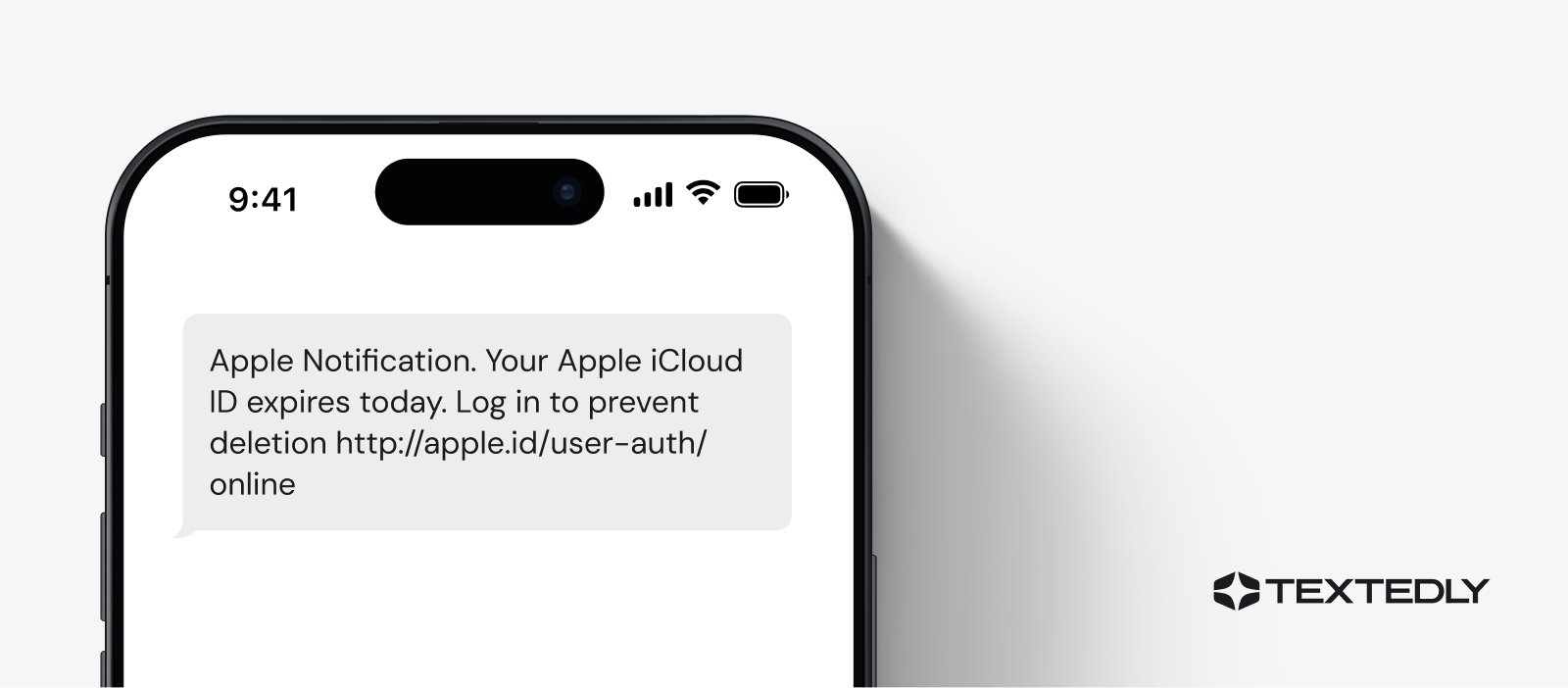
Example text: “Apple Notification. Your Apple iCloud ID expires today. Log in to prevent deletion http://apple.id/user-auth/online”
Any text that attempts to verify your Apple ID, Google account, Microsoft login, or another technology account is suspicious. These accounts are targeted because they often store saved payment methods, personal photos, and backups of other sensitive data, giving a scammer a lot to work with once they’re in.
Scammers often lean on lookalike domains to sell the illusion, since something like “apple.id” can pass at a quick glance. The panic over losing access to your files is what drives a click. If you suspect your account is compromised, contact the company directly and change your passwords immediately.
10. Bitcoin, Anyone?
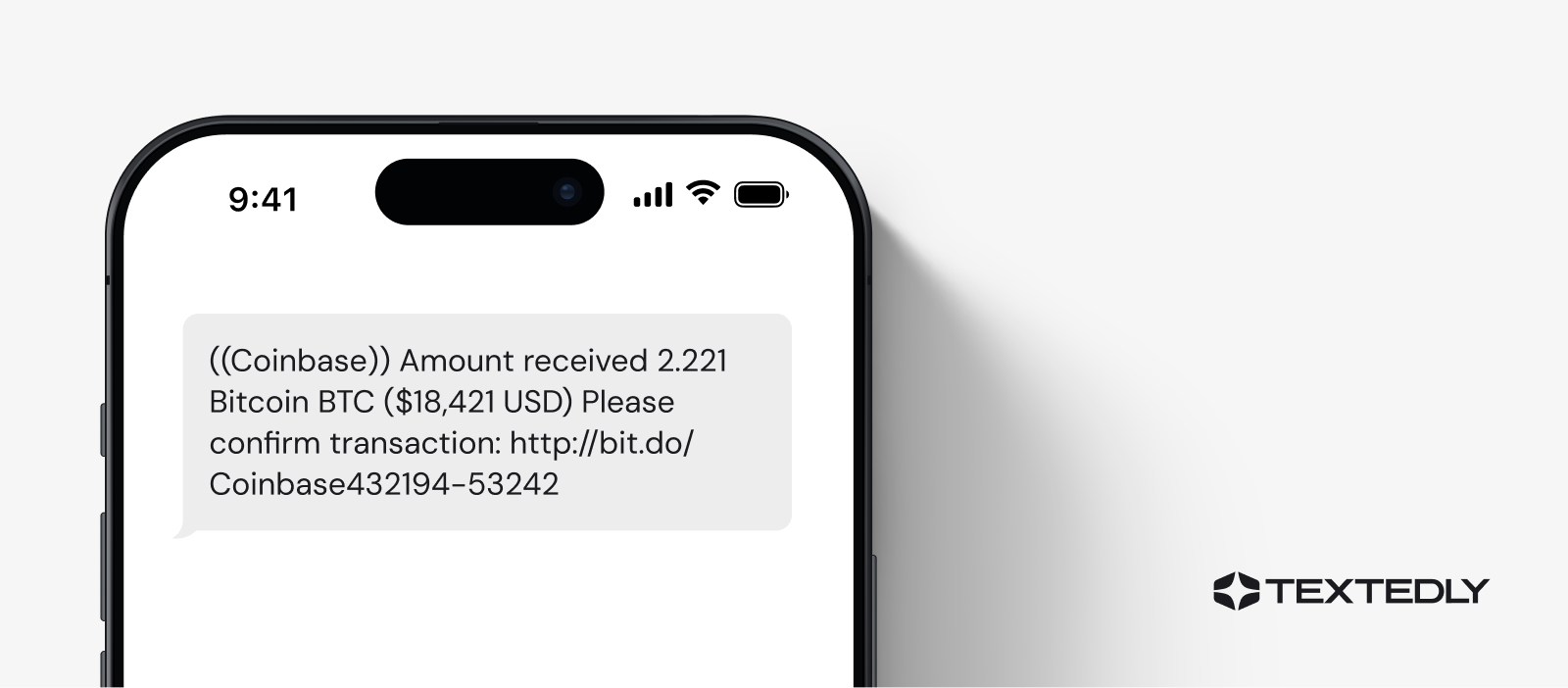
Example text: “((Coinbase)) Amount received 2.221 Bitcoin BTC ($18,421 USD) Please confirm transaction: http://bit.do/Coinbase432194-53242”
You should treat any offer of “free” bitcoin with high scrutiny. This particular scam isn’t asking for anything outright. Instead, it dangles a transaction you never made, counting on curiosity or excitement over an unexpected windfall to get you to tap “confirm” without thinking.
Scammers also often use Bitcoin as currency in blackmail scams that demand payment for withholding personal details they claim to have about you.
Both versions tend to spike after cryptocurrency breaches erode trust in exchanges, such as the 2025 Coinbase data breach that exposed customer data. Log in to your Coinbase account through the app or official site to check your balance and transaction history.
11. A Family Member Needs Help
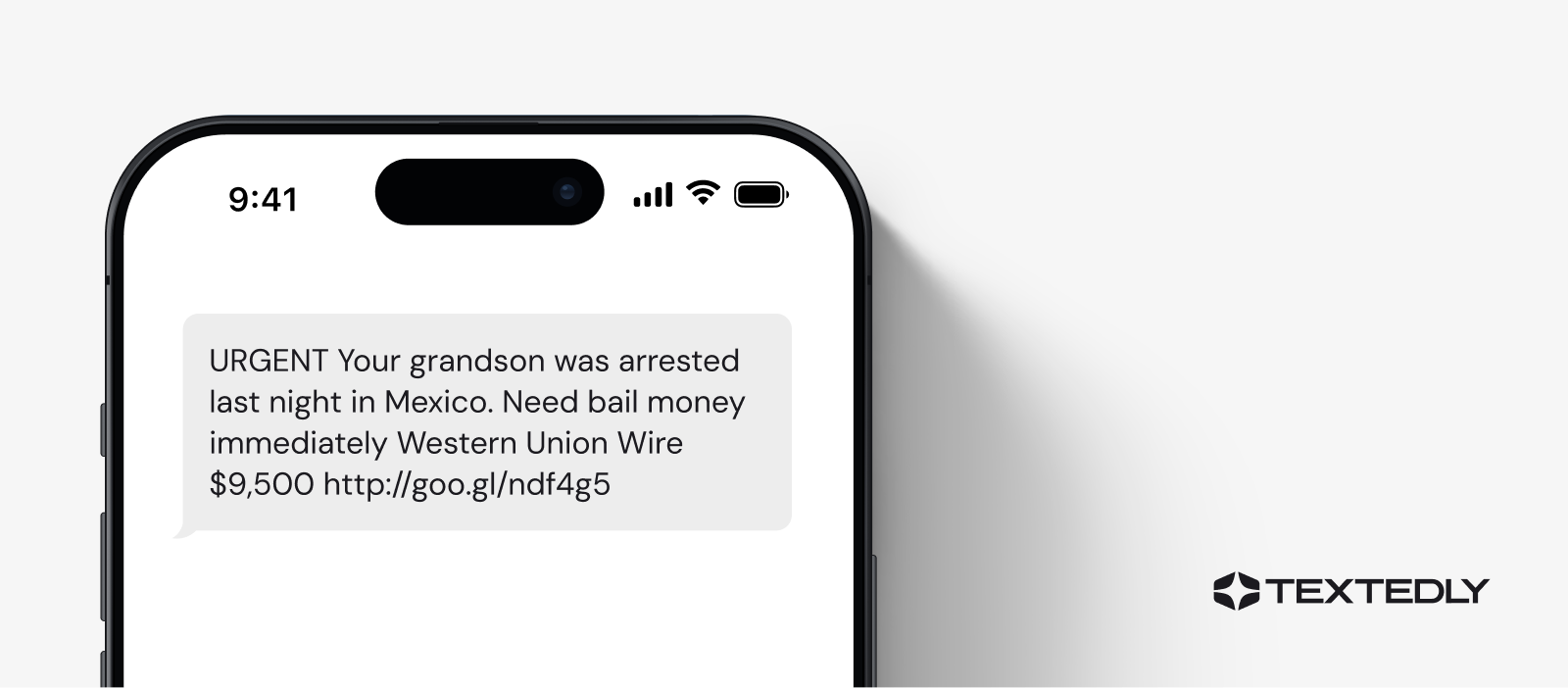
Example text: “URGENT Your grandson was arrested last night in Mexico. Need bail money immediately Western Union Wire $9,500 http://goo.gl/ndf4g5”
One of the most disturbing spam text messages leads you to believe that a family member is in trouble and needs immediate financial help. The sender tries to convince you that wiring money is necessary to prevent a financial or medical emergency, or that a loved one is involved in a kidnapping.
These scams tend to target grandparents, since scammers assume an older relative is more likely to wire money fast out of panic. Wired funds are nearly impossible to trace or recover once sent, which is why scammers prefer them over other payment methods.
Be cautious and contact the family member directly before proceeding. If there’s a genuine emergency, it’s best to reach out to the appropriate authorities before sending financial aid.
12. Reactivate Your Account
Example text: “Federal Credit Union ALERT: Your Credit Card has been temporarily LOCKED. Please call Card Services line (786) 319-4482”
You can’t always trust the most seemingly innocent messages. If you receive a text that one of your accounts has been hacked or compromised, delete the message and then contact the account directly rather than responding.
The trick with this message is that it skips a link entirely. A text with no suspicious URL can slip past spam filters that are built to scan for malicious links, and it also routes you to a live scammer on the phone.
Scammers use this method to improvise and pressure you in real time. If you’re ever wondering if a text is real, never call the number contained in the text. Instead, call the institution that claims to have sent the text.

13. You Have a New Billing Statement
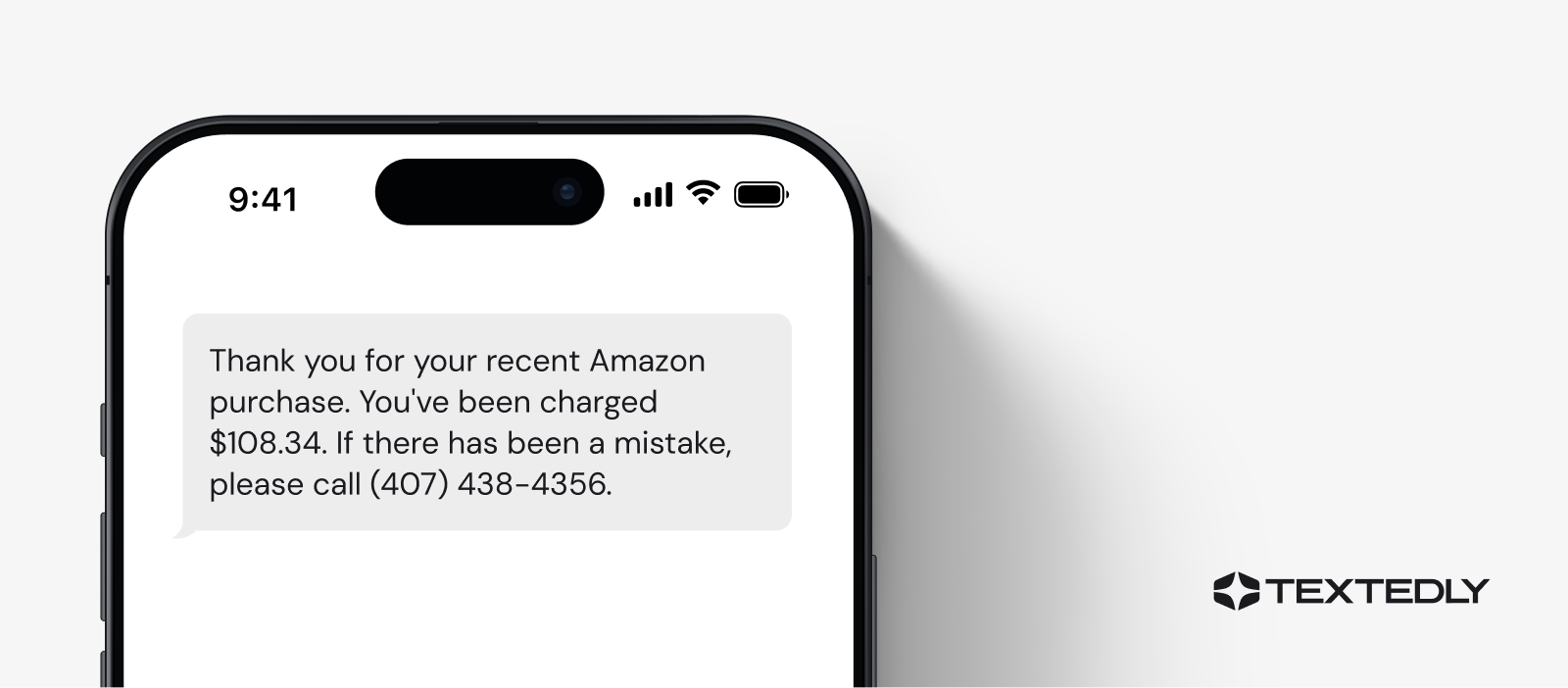
Example text: “Thank you for your recent Amazon purchase. You’ve been charged $108.34. If there has been a mistake, please call (407) 438-4356.”
If you suddenly receive notifications that your statement is ready or if you receive a “thank you for your payment” message, proceed with caution. This is another common type of scam.
Instead of asking you to click a link, it hands you a phone number and waits for you to call out of concern over an unfamiliar charge. Calling it only connects you to a scammer posing as the company’s support line.
If it’s a company you believe you’ve done business with, but you aren’t sure about any recent transactions, go online. Find the company’s website and locate its customer service contact information. Never use the contact information provided in the suspicious text.
14. Texts From Your Own Phone Number
Example text: “Hi there. I need your help to pick up this package for me at UPS. Please see the order details here: afiaeoht80a.eta.ly”
A common spam tactic is receiving text messages that appear to come from your own phone number, a trick known as “spoofing.” These messages may contain suspicious links or urgent requests, making them particularly deceptive.
Seeing your own number as the sender is disorienting. It can momentarily short-circuit the usual skepticism you’d apply to a scam text from a stranger, and you might be tempted to text back out of curiosity. This isn’t a sign that your phone or account has been hacked.
Scammers are simply exploiting how text messages verify senders to fake the “from” number. Don’t tap the link, regardless of what number it appears to come from.

15. 2FA Authentication
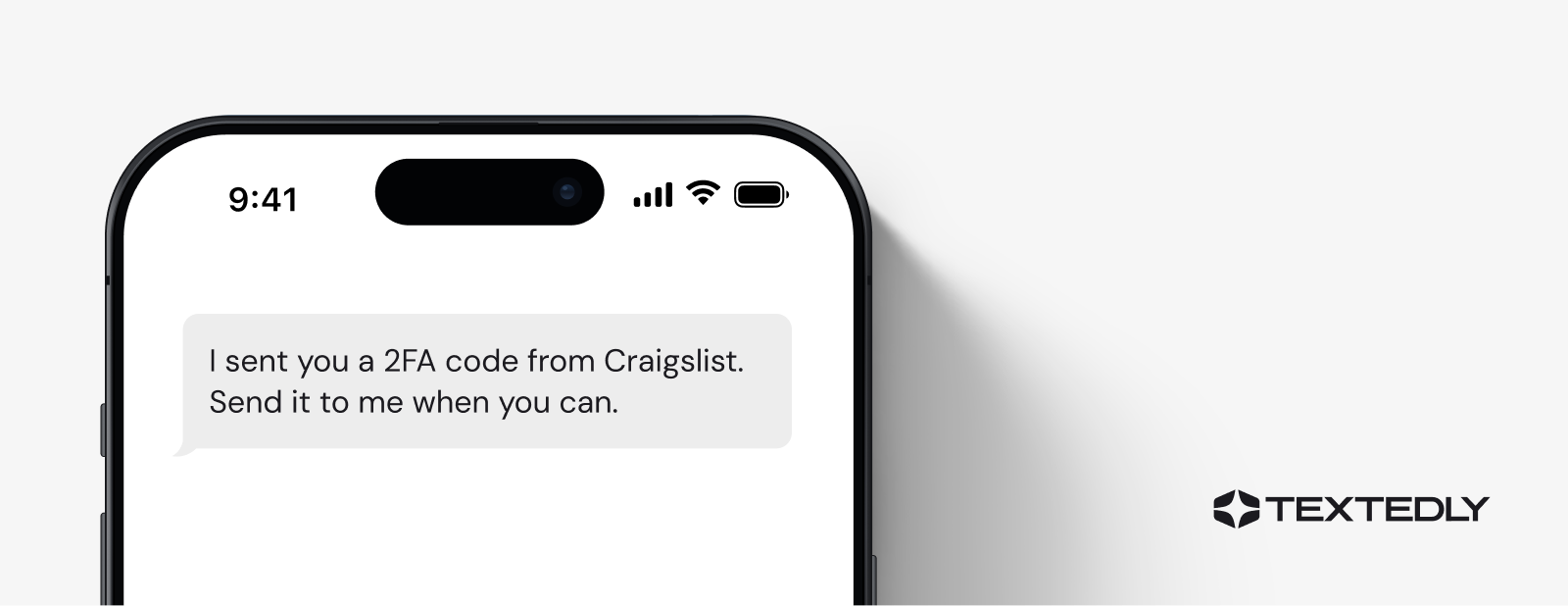
Example text: “I sent you a 2FA code from Craigslist. Send it to me when you can.”
In this scenario, scammers are looking to gain access to your account. A scammer attempts to log in somewhere using your information, which triggers a two-factor authentication code to your phone. They then text you directly, asking you to hand over that code.
Never give anyone a 2FA code or click a link on a 2FA code you were sent that you didn’t request yourself. Companies or security teams will never ask you for this code.
If a code like this shows up unprompted, that’s a sign someone else already has your password and is getting closer to accessing your account. Change your password immediately instead of replying.
16. Unpaid Toll Fee
Example text: “SunPass Alert: You have an unpaid toll of $3.25. Avoid a $50 late fee by settling today: sunpass-etc.com/pay”
Toll scam texts have surged fast enough that the FBI’s Internet Crime Complaint Center issued a public service announcement specifically about them. Thousands of people reported nearly identical scam numbers texting them about tolls they never owed.
A $3.25 balance feels too small to question, especially when it’s paired with a bigger late fee threatening to kick in if you ignore it. But real toll authorities bill you by mail or through your existing account, never by text with a payment link attached. If you receive a message like this, call the number on your actual statement to confirm whether anything is owed.

17. Fake Job Offer
Example text: “Congrats! You’ve been selected for a remote task role. Earn $250 daily by rating apps and hotels in your spare time. Reply YES to begin.”
The Federal Trade Commission (FTC) flagged a pattern of fake recruiters reaching out over text in recent years to target job seekers. These scammers often use a title that’s vague enough to sound plausible while dangling a tempting daily pay rate with no job description attached.
The ask to just reply “YES” is a deliberate hook designed to get you engaging before you’ve had a chance to think critically about it.
Once you respond, the scam shifts into “tasks,” usually something simple like rating apps or writing fake hotel reviews. You may even see a small payout early on to build trust. Eventually, you’re told you need to pay an “unlock fee” or deposit your own money to access your full earnings.
Legitimate employers don’t recruit exclusively by text, and no job will ever ask you to pay money to get paid. If an offer like this reaches you, check the company’s careers page and treat any job that requires upfront payment as a hard no.

18. “Wrong Number” Scams
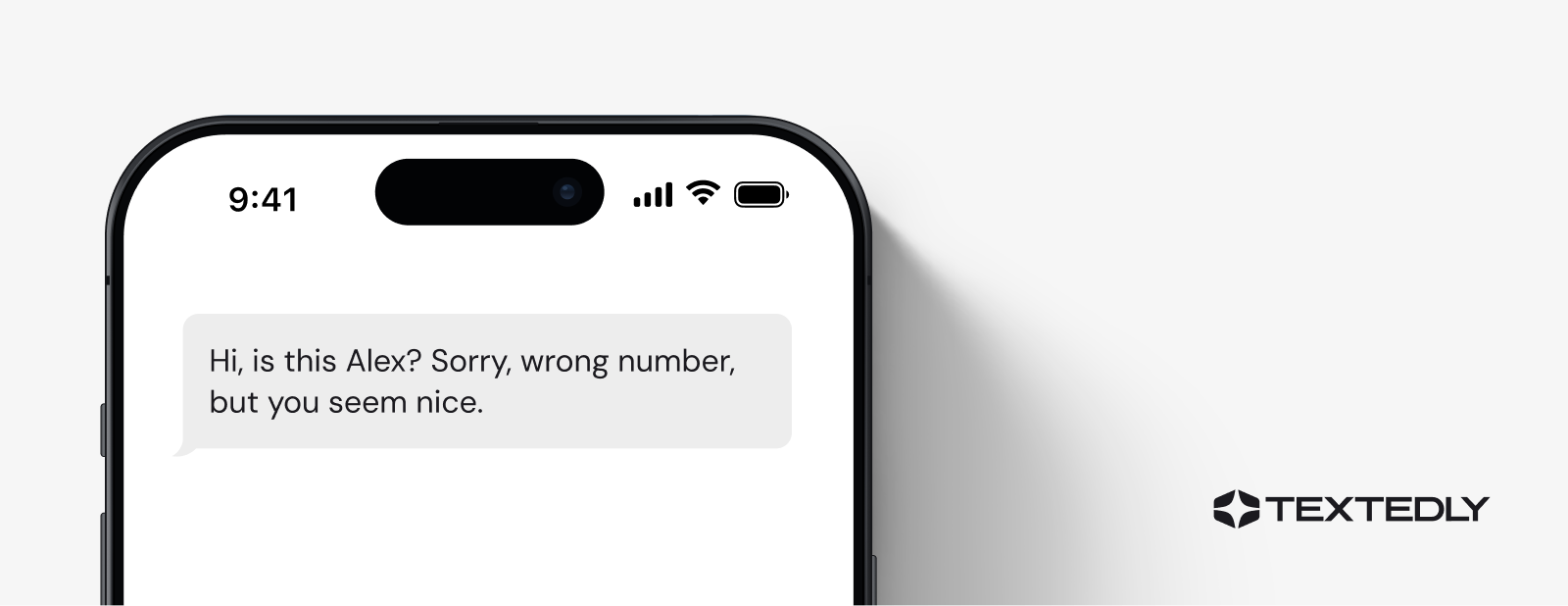
Example text: “Hi, is this Alex? Sorry, wrong number, but you seem nice.”
This is another disturbing spam text because the conversation starts so innocently. The message slowly earns your trust with a seemingly honest mistake, and if you reply to correct them, the sender stays friendly.
Over the following days or weeks, the “friendly” conversation slowly shifts toward investing, usually in cryptocurrency, with claims of guaranteed returns from an app or platform the sender insists is working well for them.
Security researchers call this pattern “pig butchering,” since victims are deliberately fattened up with trust before the financial loss hits. If a stranger texts you by “mistake” and keeps the conversation going afterward, that persistence is a red flag. Stop replying, and never move a conversation like this toward an investment app or platform.
5 Ways to Identify a Fake Text Message
Many spam messages are easy to spot, but scammers who send phishing messages have refined their techniques over time, making them extremely convincing. Therefore, understanding how to identify a fake text message requires continuous learning.
Here are five warning signs to watch for:
It’s Suspicious
A familiar sender name doesn’t guarantee a safe message. Microsoft is currently the most impersonated brand in phishing attacks, followed by LinkedIn and Google, precisely because people let their guard down when they recognize a company they already trust. A spoofed text can direct you to a fake website built to look just like the real thing.
The link itself is often the easiest way to catch it. A short link from a company you trust usually still carries some version of its name, like textedly.com/applications. A scam link is often a random, unrelated string with no connection to the brand at all, like bit.ly/4kJp9x.
It’s Urgent
Scam texts often warn you that something is wrong with your account or payment method and demand immediate action. Using urgency is a surefire way to prompt people to act without thinking.
Some common urgency signals include mentioning a locked account, a missed payment, or a deadline that’s about to expire. When this happens, take a deep breath and open the company’s app or site directly to check for yourself.
It’s Too Good To Be True
Gift cards, discount codes, and prizes offered in exchange for your personal information are a classic hook. These scam texts work by triggering excitement before skepticism can kick in, so the offer feels like a lucky break. But if something sounds too good to be true, trust that instinct. A prize or discount never requires you to hand over sensitive details just to claim it.
It’s an Unknown Number
One of the easiest ways to spot a fake text message is if it comes from an unknown or suspicious number, especially if it asks for personal information or urges you to click on a link. Not every scam from an unknown number fits that pattern, though. Some start out deliberately friendly and harmless, with no ask at all beyond keeping the conversation going.
Either way, a message from a number you don’t recognize deserves scrutiny before you respond or click anything.
It’s Impersonal or Irrelevant
A fake text message often feels impersonal, using generic greetings like “Hello Customer” or making offers that don’t align with your interests or recent activities. With the rise in AI, you may see more scams address you by name, but be cautious if the message seems irrelevant or unrelated to you.
How to Handle a Spam Text Message
If you think you’ve received a phishing text, what should you do? Here are some best practices to help you handle spam texts appropriately.
- Don’t respond. Replying confirms your phone number is active, which guarantees more texts.
- Don’t click links in a text. Tapping a sketchy link from a text you didn’t expect can install malware that pulls personal or financial data already stored on your phone.
- Forward the text to 7726 (SPAM). This action reports the message to your wireless carrier, helping them identify and block similar texts before they reach other people.
- Report it to the FTC. File a complaint at ReportFraud.ftc.gov so the agency can track patterns and pursue the scammers behind them.
How to Prevent Future Spam Texts
Once you’ve handled the immediate text, a few habits can reduce how many you get going forward.
- Block numbers on your phone. Scammers often send texts using different names and numbers, but blocking annoying or spammy texts can slow them down. You can block and filter messages directly from your iPhone’s settings or through your Android’s built-in blocking options.
- Filter messages by unknown sender: Many smartphones and messaging apps offer built-in features that automatically screen messages from unfamiliar numbers. This allows you to review them at your discretion without risking exposure to malicious content.
- Install a spam-blocking app. Several spam-blocking apps are quite effective at preventing text scams and annoying calls from telemarketers. These include:
Use your best judgment and exercise caution before responding to requests for information.
What Should I Do If I Respond To a Spam Text?
Responding to a spam text doesn’t mean the damage is done, but it does mean it’s time to act quickly.
- First, report it. Reporting spam texts is an effective way to stop this illegal activity—for yourself and others.
- Block the spammer’s phone number from your phone.
- Inform your carrier of the number you received the spam text from.
- Call your credit card companies, alert them to possible fraudulent transactions, and cancel cards if necessary.
- Change your passwords to sensitive information sources such as banking, healthcare, email addresses, and social media apps.
If you shared any financial information, monitor your credit reports and consider placing a fraud alert with Equifax, Experian, or TransUnion to make it harder for anyone to open new accounts in your name.
Avoid Sending "Phishy" Text Messages With Textedly
These spam text message examples show how convincing phishing attempts have become. If you’re a business owner or marketer, your challenge is to ensure your SMS marketing campaigns look professional, so your messages don’t accidentally read as spam.
Textedly can help your business design successful, creative SMS campaigns that don’t get flagged and instead inspire trust and confidence. Textedly provides simple SMS solutions that are easy to set up, so you can start messaging your customers immediately.
Related resources:
- How to Report Spam Texts: 4 Simple Ways
- Texting Laws: Federal and State-by-State
- Scam vs. Spam: What’s the Difference?
- Text Message Security: What You Need to Know
Spam Text Messages FAQ
Is it better to block or delete spam text messages?
Blocking is the better move. Deleting a message removes it from your phone, but blocking also stops that specific number from reaching you again. For the best results, forward the text to 7726 first, so your carrier can flag it, then block the number afterward.
What happens if I click a link in a spam text?
It depends on the scam, but the risks range from landing on a fake login page to unknowingly installing malware that can access your stored personal or financial information. Clicking can also confirm to the scammer that your number is active, which often leads to more spam texts. If you’ve already clicked a link, change your passwords and monitor your accounts for any unusual activity.
Can a scammer hack into my phone by spam text message?
Just opening a text is extremely unlikely to compromise your phone. The risk comes from tapping a link or downloading an attachment within the message. That’s typically how malware gets installed, or credentials get stolen. Sophisticated, no-click attacks do exist, but they’re rare and usually reserved for high-value targets.
Should I respond “STOP” to a spam text?
No. “STOP” only works with legitimate, opt-in senders that are legally required to honor it, such as a business you’ve signed up with. Replying “STOP” to an illegal spam text only confirms to the scammer that your number is active and being read, which usually leads to more texts.
Related Articles

10DLC Registration: Requirements, Steps & Timelines
Scam vs Spam: What’s the Difference?

7 Rules to HIPAA Compliant Text Messages

10 proven ways to lower your SMS unsubscribe rate
Your Customers Are Waiting
Send your first text in minutes—no contracts, no credit card, no hassle.