Don’t Be a Stranger. Turn Your Texts Into Trusted Conversations.
Instantly share your business identity with Mobile Contact Cards. Make it easy for customers to save your number, recognize your brand, and reply faster

The Problem: You’re Just a "Random Number"
You have crafted the perfect message. You hit send. But when it lands on your customer’s phone, you are just another unknown, 10-digit number.
In a world full of spam and robo-calls, anonymity is the enemy. If they don’t know who you are, they won’t engage.
It’s time to get on a first-name basis with your customers.
Introducing Textedly Mobile Contact Cards
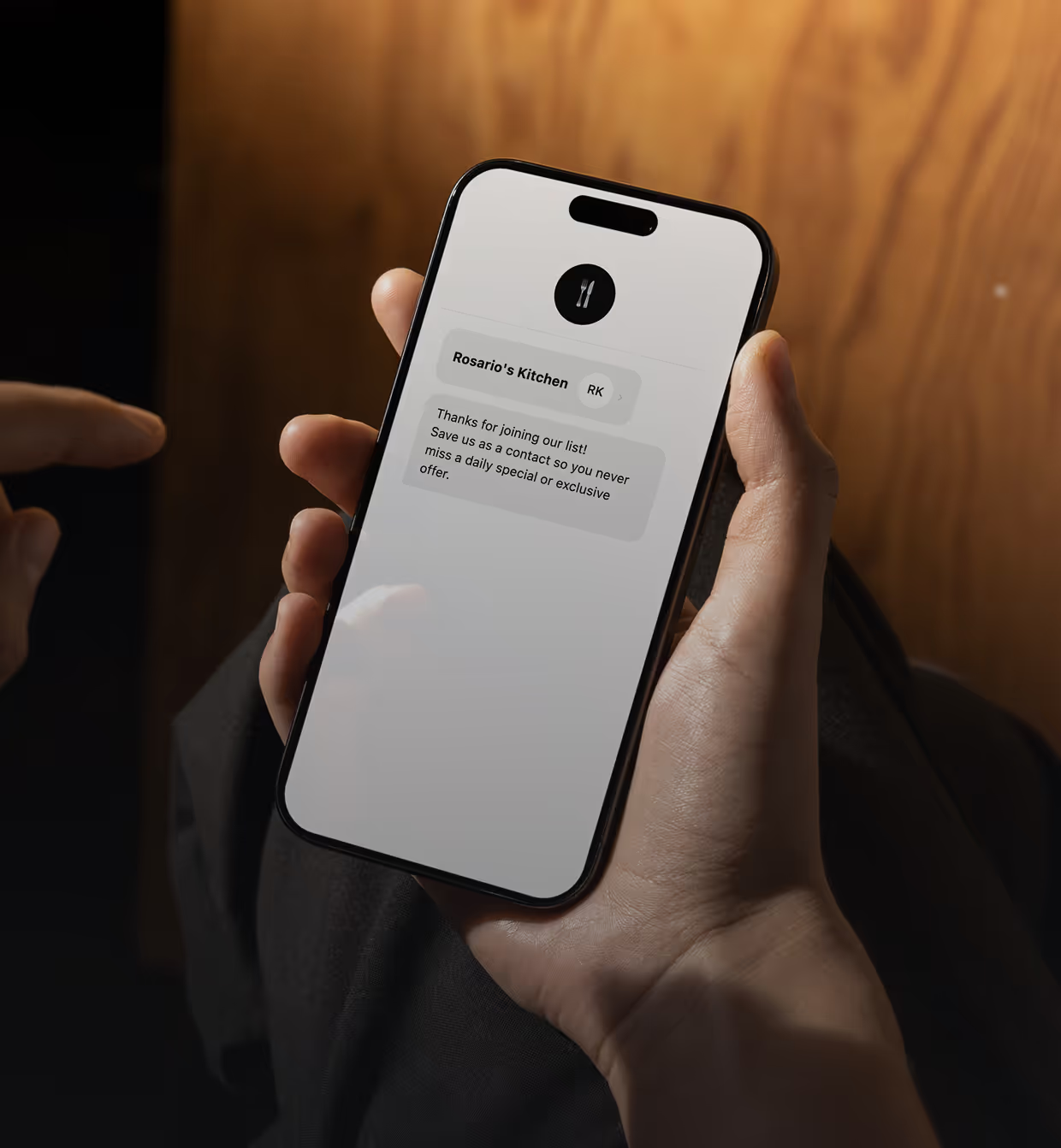
This feature transforms your text messaging strategy by allowing you to attach a standardized digital business card to your texts. With a single tap, your customers can save your contact information directly to their phone’s address book.

What is a .vcf File?
A .vcf file (Virtual Contact File) is the global standard format for storing and sharing mobile contact information. Think of it as a digital business card that lives natively on mobile devices. Textedly uses this format for Mobile Contact Cards because it works on virtually all mobile devices—including iPhone and Android—so customers can save your contact details with a single tap.
Unlike a physical card that gets lost, our .vcf files are designed for action. It can contain:
- Your Business Name
- Your First Name
- Phone Numbers
- Your Last Name
- Email Addresses
- Website URLs
- Physical Address
- Logos or Headshots
Because the .vcf format is standardized, it can be easily imported into iPhone/Apple Contacts, Android/Google Contacts, and Microsoft Outlook without the need for any third-party apps.
How It Works: From "Who is this?" to "Saved!"
Textedly makes it incredibly simple to create and attach .vcf files to your campaigns.

Log in to your Textedly dashboard. Input your business details—business name, your name, email, website, office address, and logo—into our easy-to-use Mobile Contact Card generator.
Draft your text message (Mass Text or Individual Reply) and select your Mobile Contact Card .vcf file as an attachment, just like you would attach a photo or emoji.
Your customer receives the text with the .vcf attachment. When they click the file, their phone automatically prompts them to "Create New Contact" or "Update Contact." One click, and you are saved into their mobile phone!
Why You Need to Send Mobile Contact Cards Today
Real-World Use Cases
Frequently Asked Questions
Ready to Get Saved in Their Phone?
Stop being a random 10-digit phone number. Start building relationships that last.
No credit card required. Instant set up.