10 of the Best AI Messaging Platforms for Businesses
Compare the 10 best AI messaging platforms for SMS, chat, and customer support in 2026. Learn their features and find out which one best fits your business.

KEY TAKEAWAYS
- AI messaging platforms are built for different jobs, so match the type of platform to what your business needs it to do.
- Your main channel should be a strength of the platform. Channel count matters less than how well it handles the one you use most.
- Human handoff matters most in fields like healthcare, legal, and finance, where a wrong answer from a bot can have serious consequences.
- Check which AI features come with the plan you’re buying, since some platforms reserve them for higher tiers. Textedly includes every feature on every plan.
Most business owners think of an AI messaging platform as a chatbot that only answers simple questions. That’s true for some, but others are advanced enough for tasks like booking appointments and handling customer replies.
That range makes shopping for a platform confusing, since the term covers everything from a simple SMS tool to infrastructure meant for engineers. The right AI tool can save a team hours of work by automating messaging processes and generating new leads.
Your customers already expect a fast reply, AI-powered or not, whether they’re texting at noon or midnight. The conversational AI market shows it, with estimated growth from $17.7 billion in 2026 to $78.9 billion in 2033.
Discovering the platform that matches your business is easier once you know what’s out there. Here’s how 10 AI messaging platforms compare so you can see which one fits your company’s needs.
What Kind of AI Messaging Platform Do You Need?
No single AI messaging platform fits every business because they’re built around different roles. Textedly leads for SMS marketing and AI voice conversations, Intercom for customer support, and Manychat for social DMs, for instance. Here are the top AI messaging platforms grouped by their core functions and best use cases.
A small salon or home services business that wants to fill its calendar is best served by AI texting platforms and customer engagement tools. These are the quickest to set up, and the platform can handle automatic replies and reminders.
A business buried in repetitive questions might need a personalized AI messaging platform instead, which can carry business data and provide tailored customer support. An example is an online store that gets asked about its return policy daily.
A larger company that wants AI agents built into its product or integrated with systems like Salesforce is best served by enterprise- or developer-built platforms. These platforms let teams customize the setup and run thousands of conversations across channels.
10 Best AI Messaging Platforms
With the above considerations in mind, take a look at our 10 picks for the best AI messaging platforms:
1. Textedly
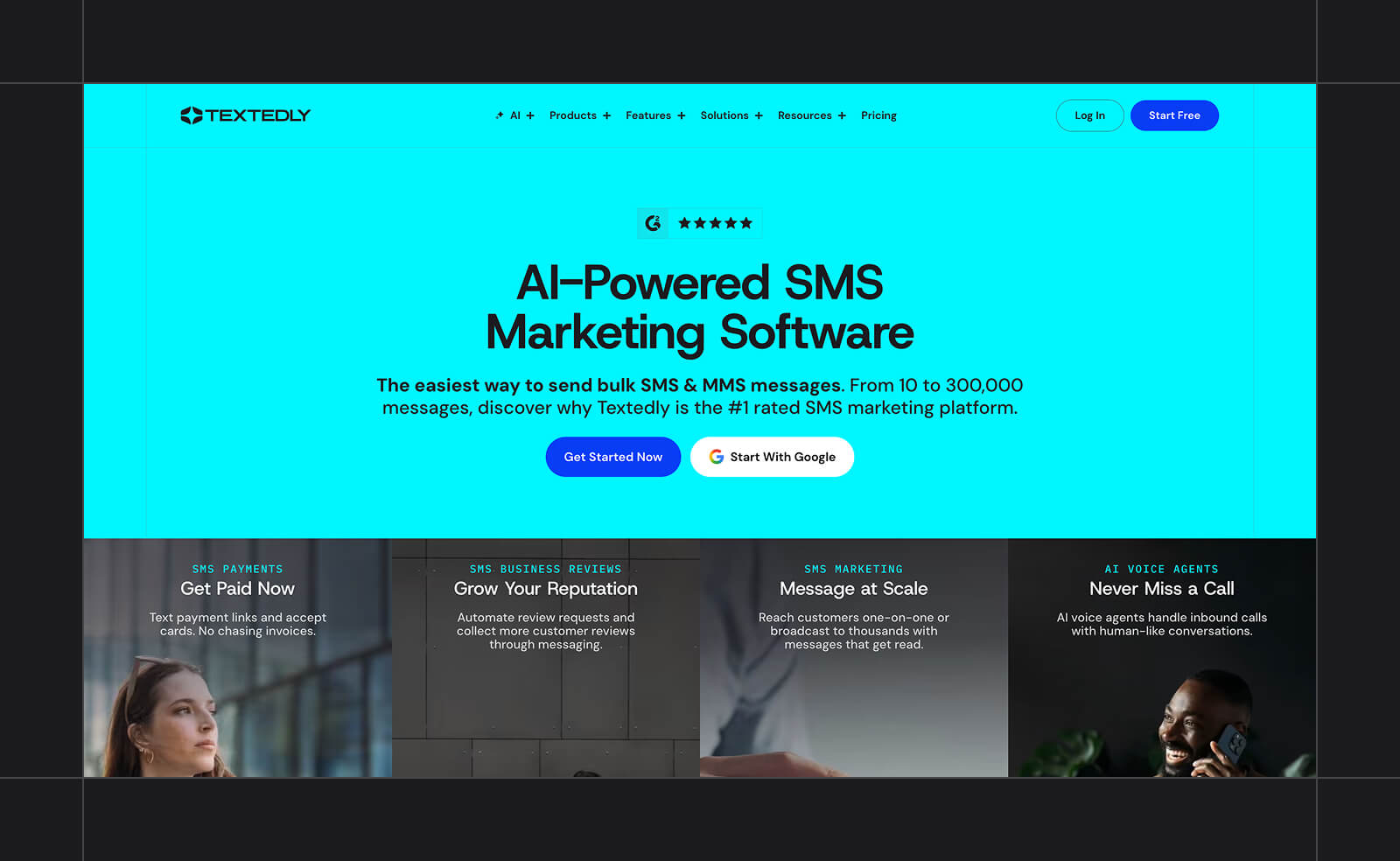
Core function: SMS campaigns with conversational AI agents
Best for: Two-Way SMS and AI Voice Conversations
Textedly is an SMS marketing platform built around automating what happens after a campaign goes out. Send a promotion, and conversational AI agents can handle the customer replies.
Powered by GPT-4.1, Textedly’s agents pull insights from your existing knowledge base (think help center or FAQ pages), so responses sound like something you’d say yourself. On calls, Textedly’s AI voice agents respond in under 400 milliseconds to keep the conversation natural.
The platform can answer questions or qualify a lead, escalating only when the conversation calls for it.
A customer texting to check on an appointment can get booked right in that exchange, even after hours. The agent can then follow up later with a reminder text or call closer to the date.
While some competitors reserve their AI features for higher tiers, every Textedly plan includes all tools from the start, so you’ll never hit a feature wall. Upgrading with Textedly only raises the message limit.
Key features:
- AI Agents powered by GPT-4.1 for autonomous customer replies and lead qualification
- Google Business Review requests sent automatically after a purchase or appointment
- Text-to-Pay for collecting payments by text
- 20+ native integrations, plus thousands more via Zapier
Pricing: Plans start at $29/month for 500 messages and scale up by message volume. All plans include a free toll-free number, one free 10DLC number registration, and unlimited contacts. Annual billing includes 20% more messages at the same rate. A free trial (50 messages, no credit card) is available to test the platform before committing to a paid tier.
2. Intercom
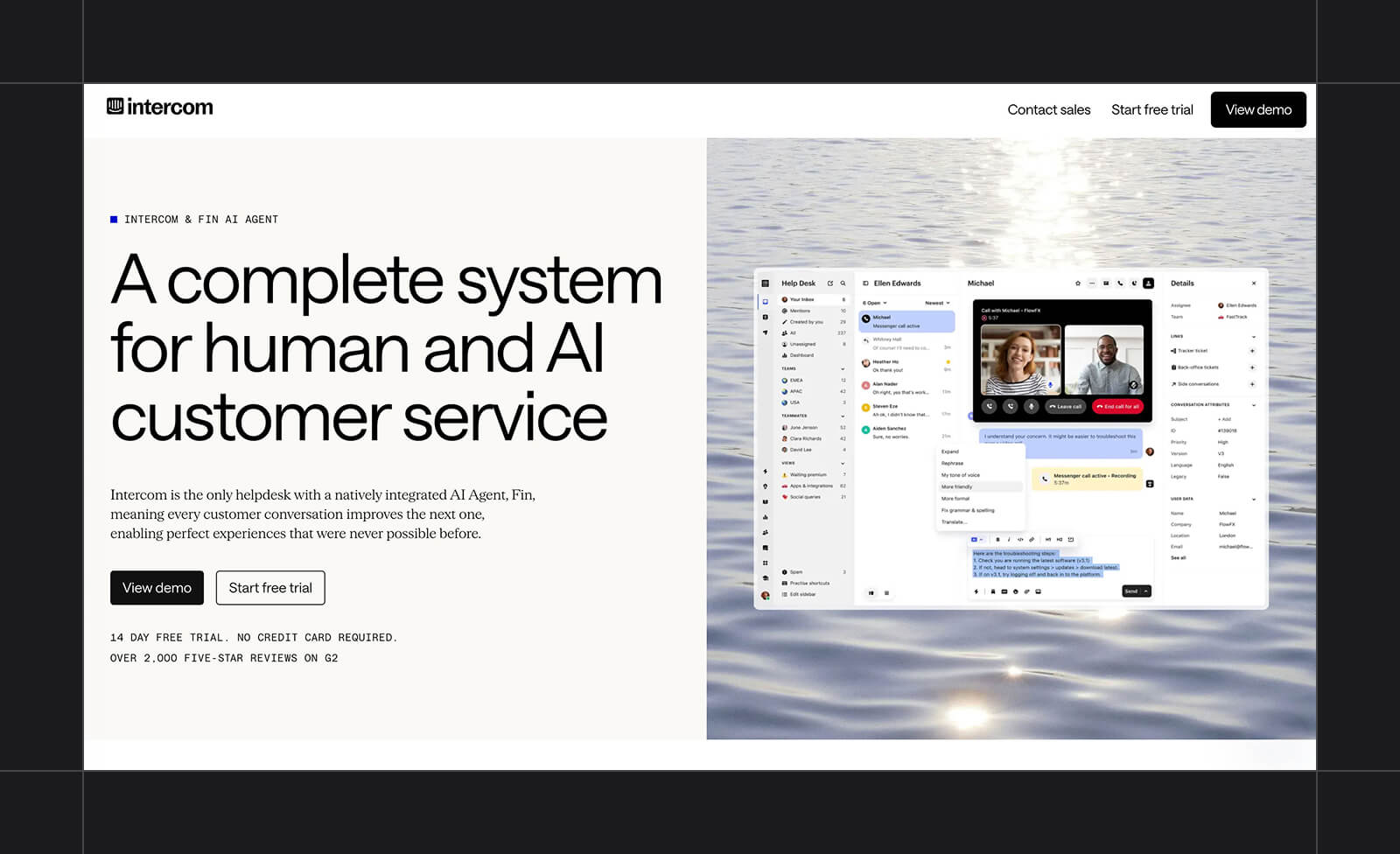
Core function: Help desk software with the Fin AI agent
Best for: Customer Support and Customer Experience (CX)
Support teams with a high volume of repeat questions are the core audience for Intercom, a help desk platform built around resolving tickets with as little manual handling as possible.
Its AI agent, now branded Fin, pulls from a business’s help center articles and past conversations to answer a question in context. It can pull customer data from its integrations and prior exchanges with that customer. When a question goes beyond what it can confidently answer, it hands off to a person.
What sets Fin apart is that it isn’t locked to Intercom’s own inbox. It can run on top of Salesforce Service Cloud, HubSpot, or Freshdesk, so a support team doesn’t have to migrate its existing help desk to add it.
Key features:
- Fin AI Agent for autonomous ticket resolution, with human handoff when needed
- Built-in accuracy validation that checks each answer against source content before it reaches the customer
- Deployable on top of Salesforce, HubSpot, or Freshdesk, not just Intercom’s own inbox
- Shared inbox and ticketing for the human side of support
Pricing: Intercom charges per seat. Essential starts at $29/seat/month (annual billing), with Advanced and Expert tiers at $85 and $132/seat/month. The Fin AI Agent is billed separately at $0.99 per resolved outcome, in addition to the seat price.
3. Sendbird
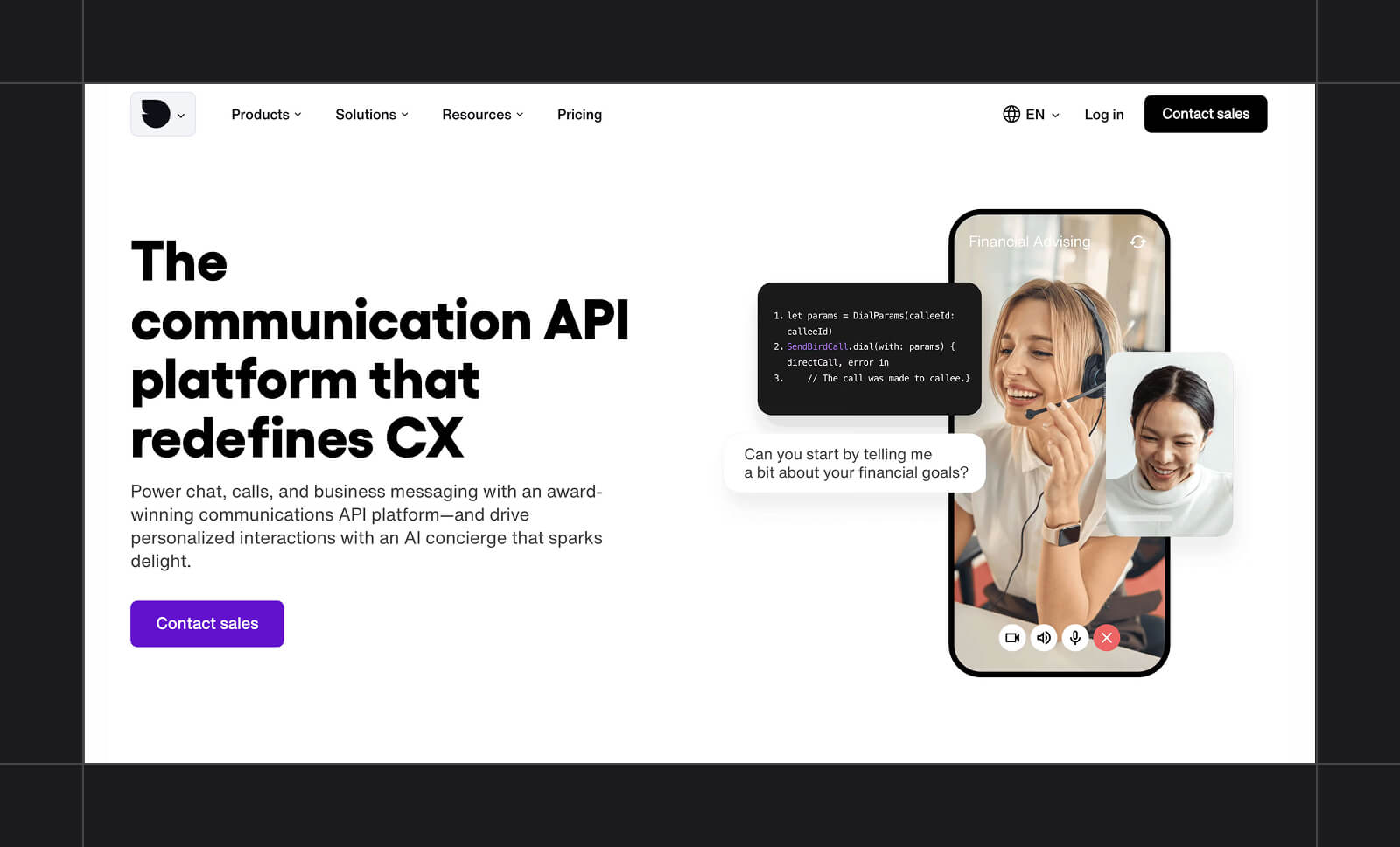
Core function: Chat and messaging API with built-in AI agents
Best for: Omnichannel Infrastructure
Engineering teams that want to build messaging directly into their own products turn to Sendbird for its chat and communications API. The tool integrates with an app’s existing codebase, allowing developers to build a chat system directly within their product.
Sendbird’s AI layer, delight.ai, runs on top of that infrastructure and works through the API a business already uses for messaging. It supports context-aware conversations across channels such as in-app chat, SMS, and WhatsApp, and escalates when a conversation requires a human.
Key features:
- AI agent (delight.ai) for context-aware, omnichannel conversations with human handoff
- Chat, SMS, and WhatsApp unified under one API
- Built for embedding inside a company’s own app, not a standalone dashboard
Pricing: Paid plans for Sendbird’s core chat infrastructure start at $349/month (billed annually) for up to 5,000 monthly active users, with custom Enterprise pricing at higher volumes. The AI agent layer is priced separately and isn't publicly listed, requiring a custom quote instead.
4. Tidio
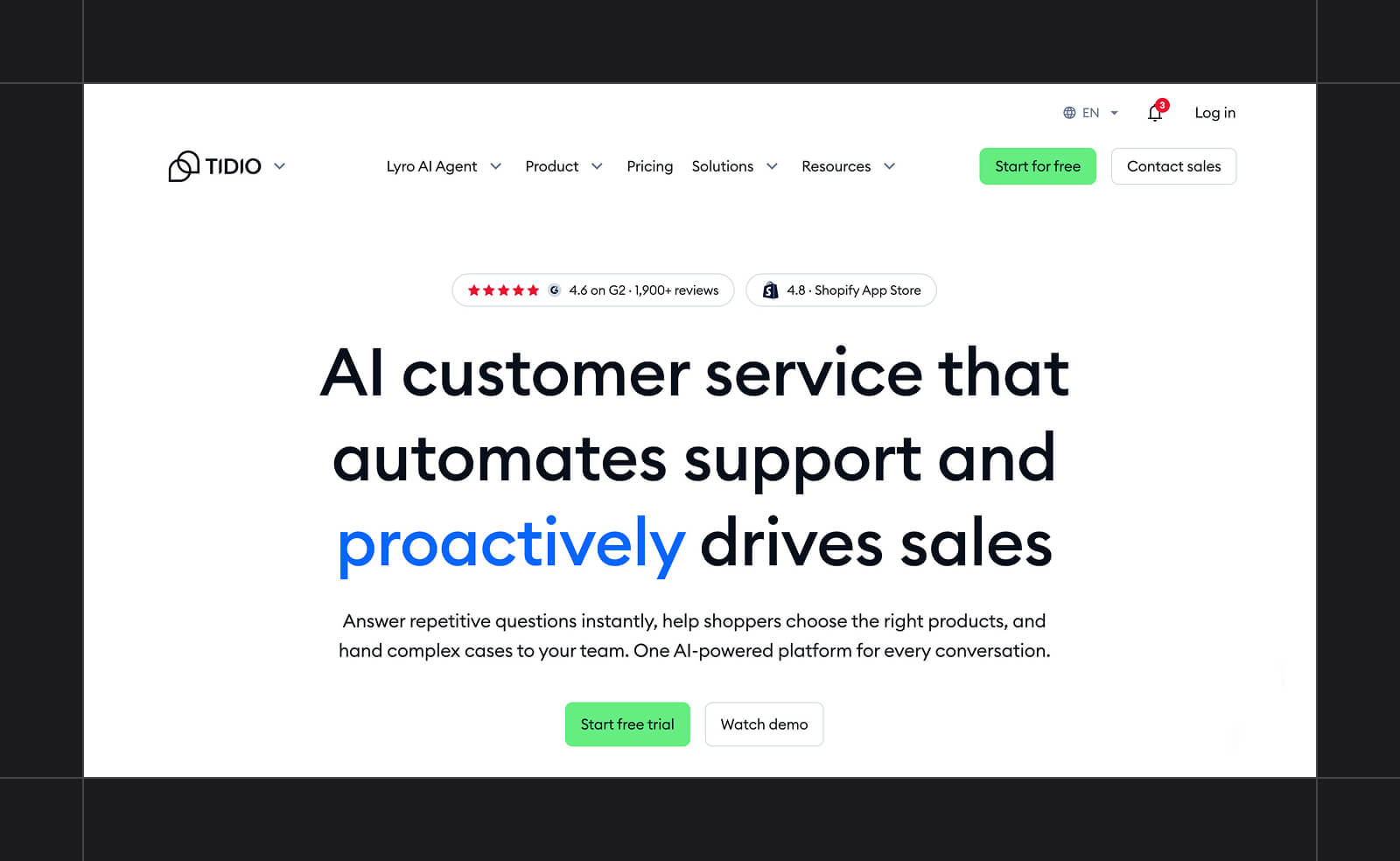
Core function: Website live chat with the Lyro AI agent
Best for: Easy, No-Code Website Chat
Tidio is built for a small business owner setting up website chat without a developer on hand, especially on Shopify, WordPress, Wix, or Squarespace. It installs as a plug-in, and a small team can have a working chat widget live on their site the same day they sign up.
The tool’s visual Flows builder lets someone drag and drop conversation paths and automated responses without touching code. A business can set up answers to common questions or route visitors to the right page on their own.
Lyro, Tidio’s AI agent, sits on top of that and can answer from a business’s help content when a question falls outside what’s been manually set up.
Lyro itself is metered separately from the base plan. A business can start with live chat and Flows and add AI once it’s ready to put it in front of customers.
Key features:
- No-code setup with direct installs on Shopify, WordPress, Wix, and Squarespace
- Visual Flows builder for drag-and-drop chat automations
- Lyro AI agent that answers from a business’s own help content, with human handoff
Pricing: Base plans start free (50 conversations/month), with Starter at $24.17/month and Growth from $49.17/month when billed annually. Lyro AI is priced separately, from $32.50/month (billed annually) for 50 AI conversations.
5. Kore.ai
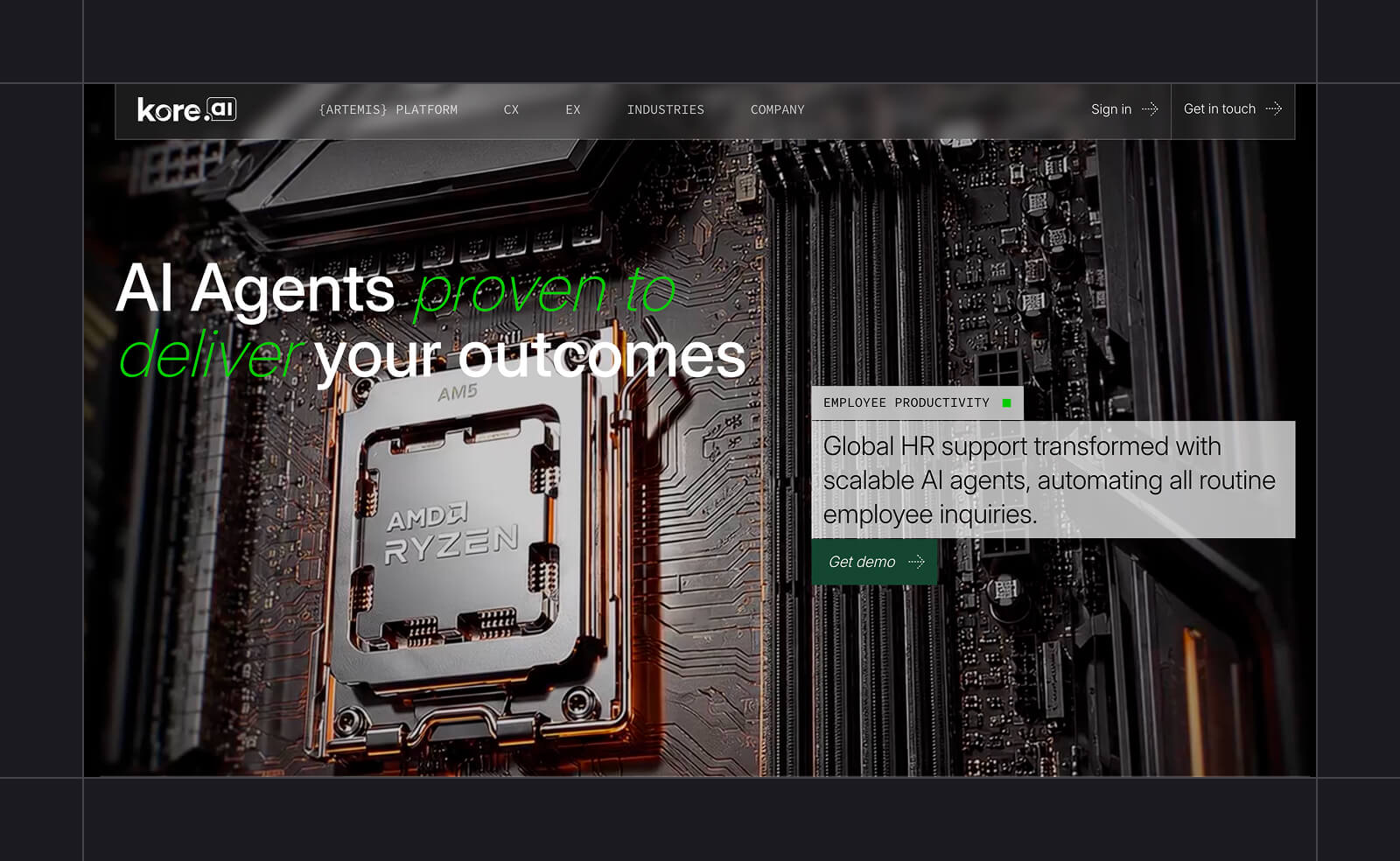
Core function: Customer and employee automation on one platform
Best for: Regulated Industries & Large Enterprises
Organizations that want to automate both customer-facing and internal work on a single platform would benefit most from Kore.ai. The same system that handles customer conversations can also run internal tools for employees, like summarizing emails or generating reports.
Kore.ai can run entirely on a business’s own servers, so customer data never has to leave the system. That matters most for industries that handle sensitive information, such as healthcare providers or banks. It also supports both a no-code builder for business teams and pro-code access for engineering, so teams of all skill levels can work in the same tool.
The platform also holds certifications that matter to compliance teams at larger organizations. It’s compliant with the Health Insurance Portability and Accountability Act (HIPAA), which governs how healthcare data must be handled, and with System and Organization Controls 2 Type II (SOC 2 Type II), an independent audit of a company’s security practices over time.
Key features:
- Combines customer service and internal employee automation in one platform
- Cloud, private cloud, or on-premise deployment for data control
- No-code builder for business teams plus pro-code access for engineering
- HIPAA, SOC 2 Type II, ISO/IEC 27001, and PCI DSS compliance certifications
Pricing: Kore.ai’s Enterprise pricing requires a custom quote from its sales team.
6. Qualified
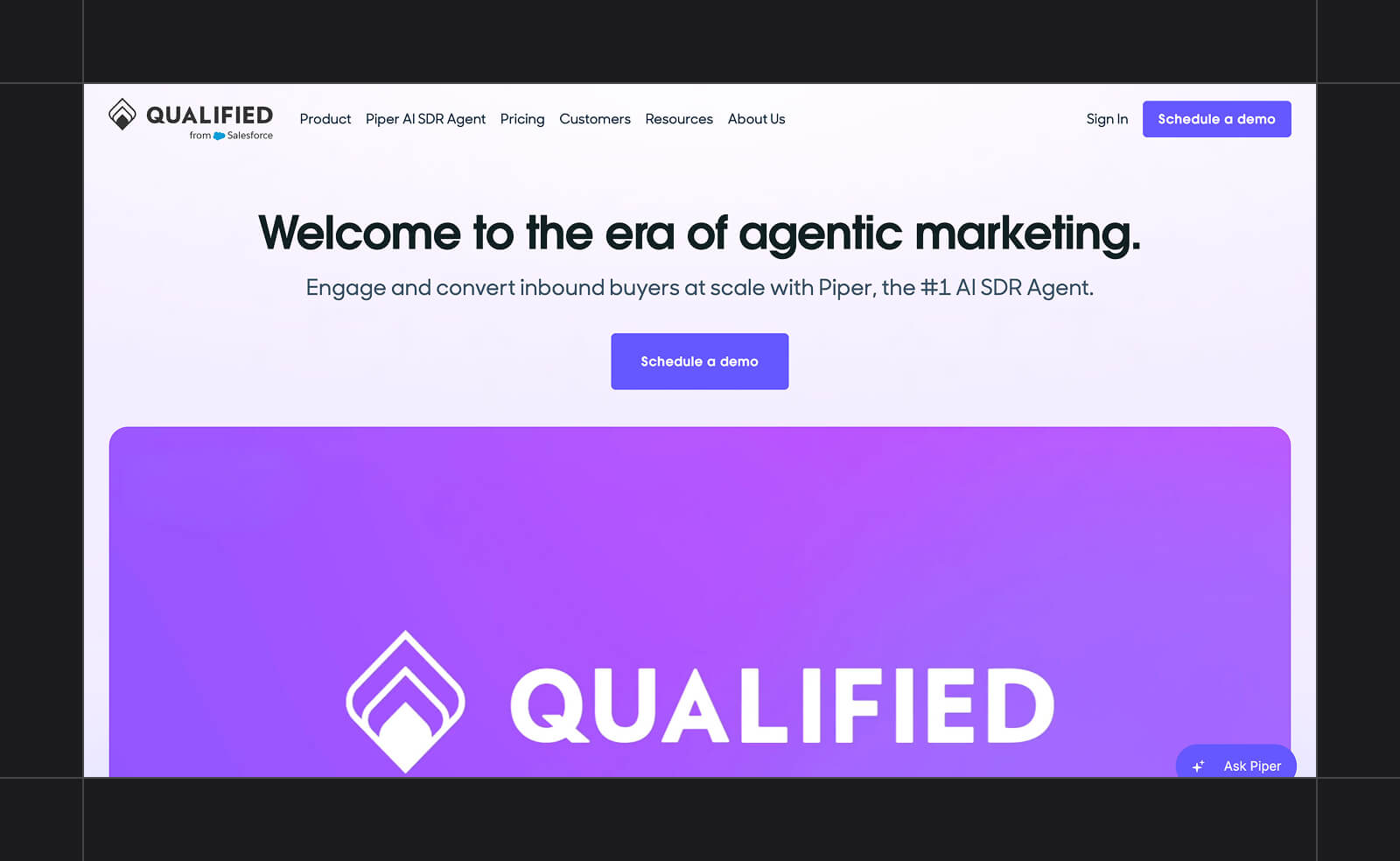
Core function: AI sales agent for inbound website visitors
Best for: Enterprise Sales on Salesforce
Large B2B sales teams running their pipeline through Salesforce are an ideal fit for Qualified. The tool is built around an AI agent called Piper that engages inbound website visitors before a rep gets involved.
Piper qualifies a visitor using behavior and intent signals while also answering their questions in real time. The tool then books a meeting directly or follows up by email if the conversation doesn’t convert right away.
Because it’s built natively on Salesforce, a conversation Piper has on the website will show up in Salesforce’s own activity history and be routed based on a company’s existing territory rules.
Key features:
- Piper AI Sales Development Representative (SDR) for website chat, voice, and video conversations
- Lead qualification based on behavior and intent signals. Also accounts for firmographics, such as company size and industry.
- Automatic meeting scheduling and generated follow-up emails
- Native Salesforce integration, including activity sync and territory-based routing
Pricing: Qualified doesn’t publish pricing. It’s sold across three tiers (Premier, Enterprise, Ultimate), all of which require a custom quote through their sales team.
7. Manychat
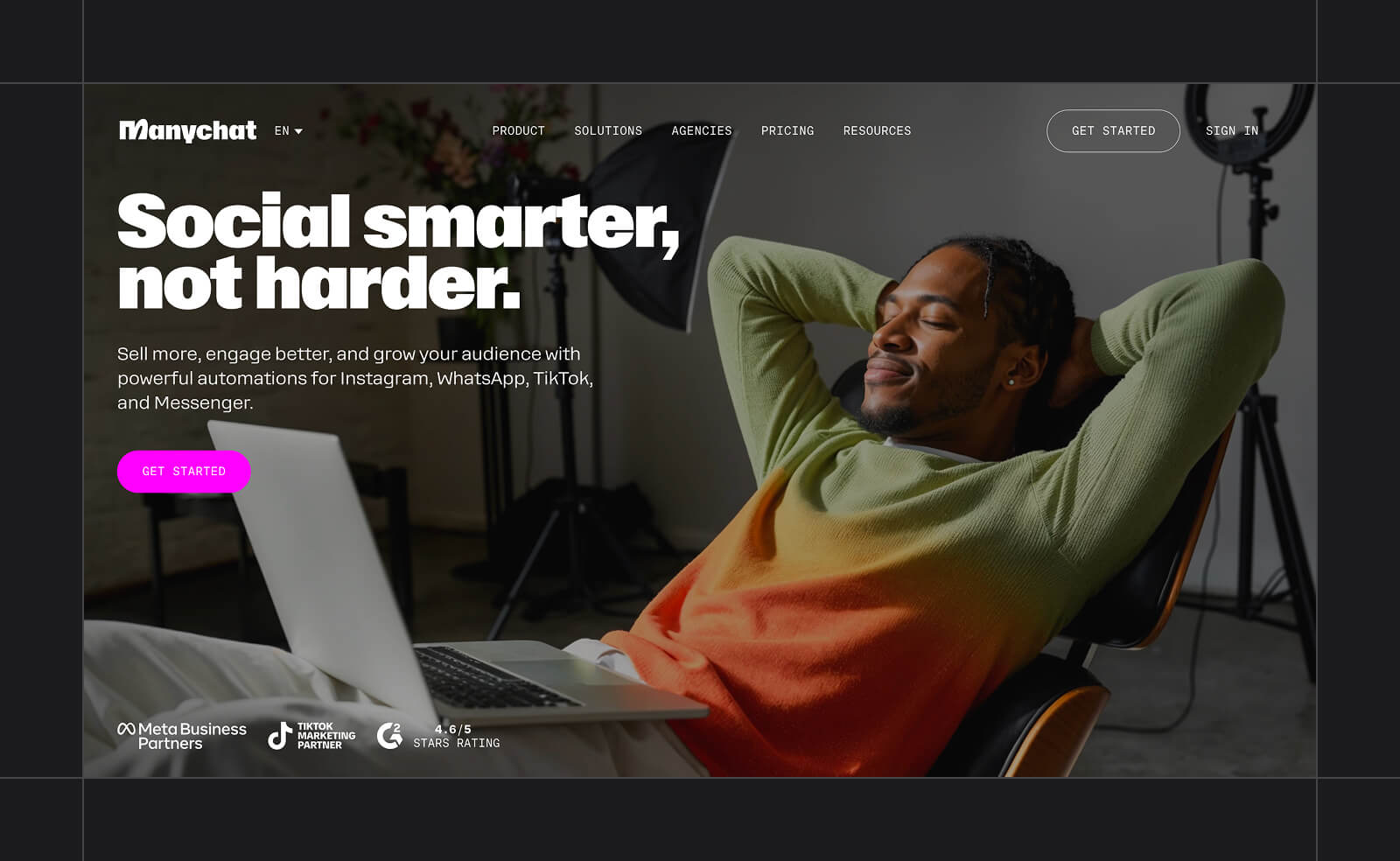
Core function: Visual flow builder for social app conversations
Best for: Social and DM Automation with AI replies
Manychat is a good fit for a business whose customers live in Instagram comments and DMs rather than a support inbox. The platform’s comment-to-DM feature is its highlight. Someone can comment a keyword under a post, and Manychat replies publicly. It then automatically opens a private DM to send them a product link or a discount code, a mechanic unique to social platforms.
The AI layer, available on Pro plans and above, helps with things like smarter reply suggestions and recognizing user intent within those flows.
Intention Recognition matches what a user means instead of requiring an exact keyword, and AI Comments can detect and reply to a comment in a brand’s own tone. You can use AI Step to hand one point in a flow to AI to generate a dynamic reply or collect information conversationally.
Key features:
- Comment-to-DM automation for Instagram and Facebook posts
- Intention Recognition and AI Comments for tailored replies
- AI Step for dynamic replies or conversational data collection inside a flow
- Channels: Instagram, Facebook Messenger, WhatsApp, TikTok (beta), and Telegram
Pricing: Free for up to 25 active contacts/month. Paid plans (billed annually) start with Essential ($14/month, 250 contacts), then Pro ($29/month, 2,500 contacts, including AI), Business ($69/month, 7,500 contacts), and up to Advanced ($139/month, 25,000 contacts).
8. Zendesk AI
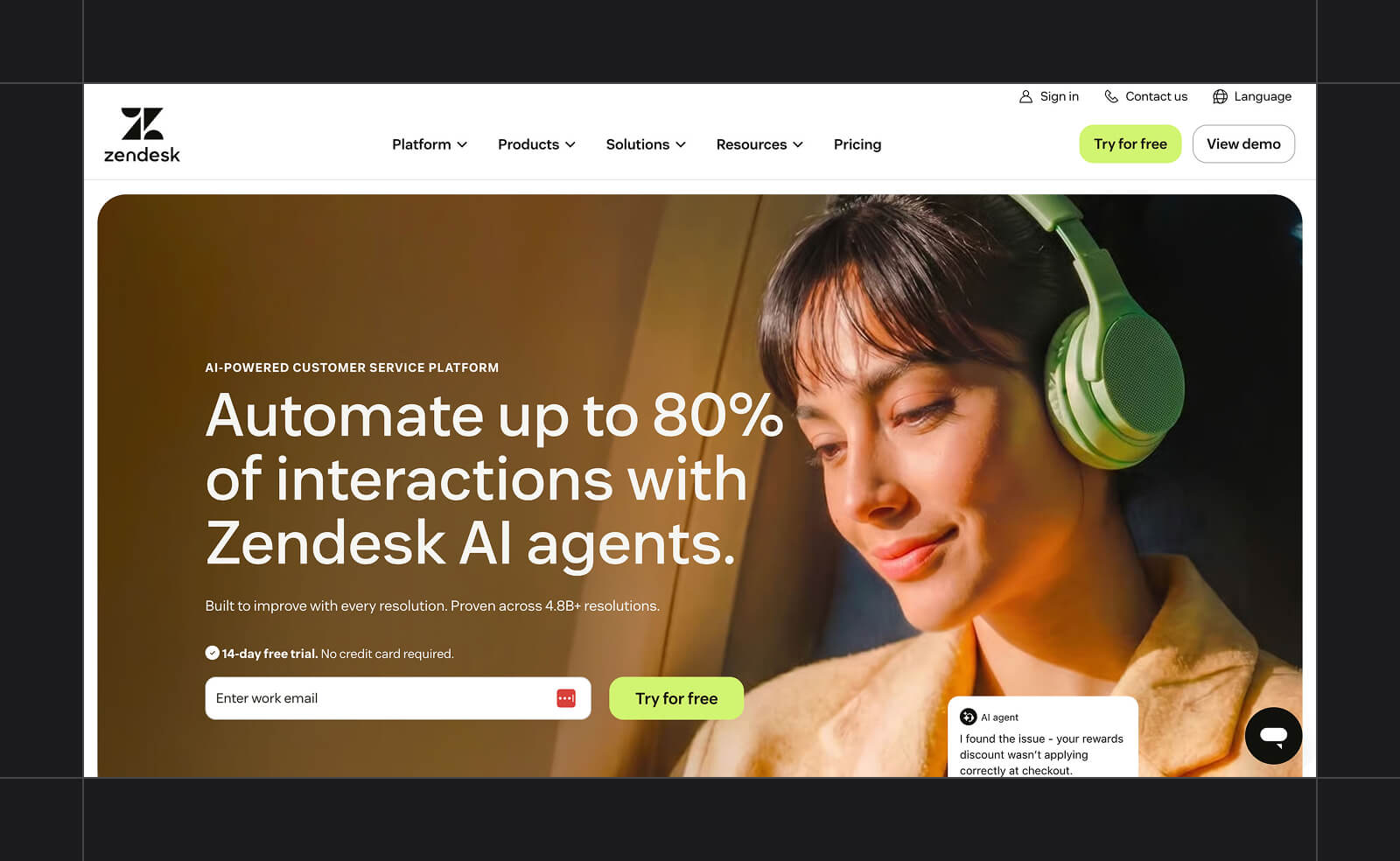
Core function: Ticket tagging, routing, and resolution by AI agents
Best for: Automating Ticket Systems
Zendesk is a full customer service platform that many support teams already use to manage ticketing and phone support. For a team already using it, the AI layer operates within the same system and doesn’t require a separate chat tool or a platform switch.
The AI agents can read an incoming request, tag it, and route it to the appropriate department based on the details without requiring a person to manage it. From there, they can suggest a reply for a rep to approve, or in simpler cases, resolve the ticket on their own and escalate anything they can’t handle.
Key features:
- Automatic ticket tagging and routing based on intent
- AI-suggested replies that reps can approve or edit
- AI agents that resolve simpler tickets and escalate the rest to a rep, billed separately by usage
- Built into Zendesk’s existing ticketing workflow, not a separate chat tool
Pricing: Zendesk’s published plans run from Support Team at $19/agent/month to Suite Professional at $115/agent/month (annual billing). The Suite plans include AI agents. The Copilot assistant for support reps is a separate add-on.
9. Whippy
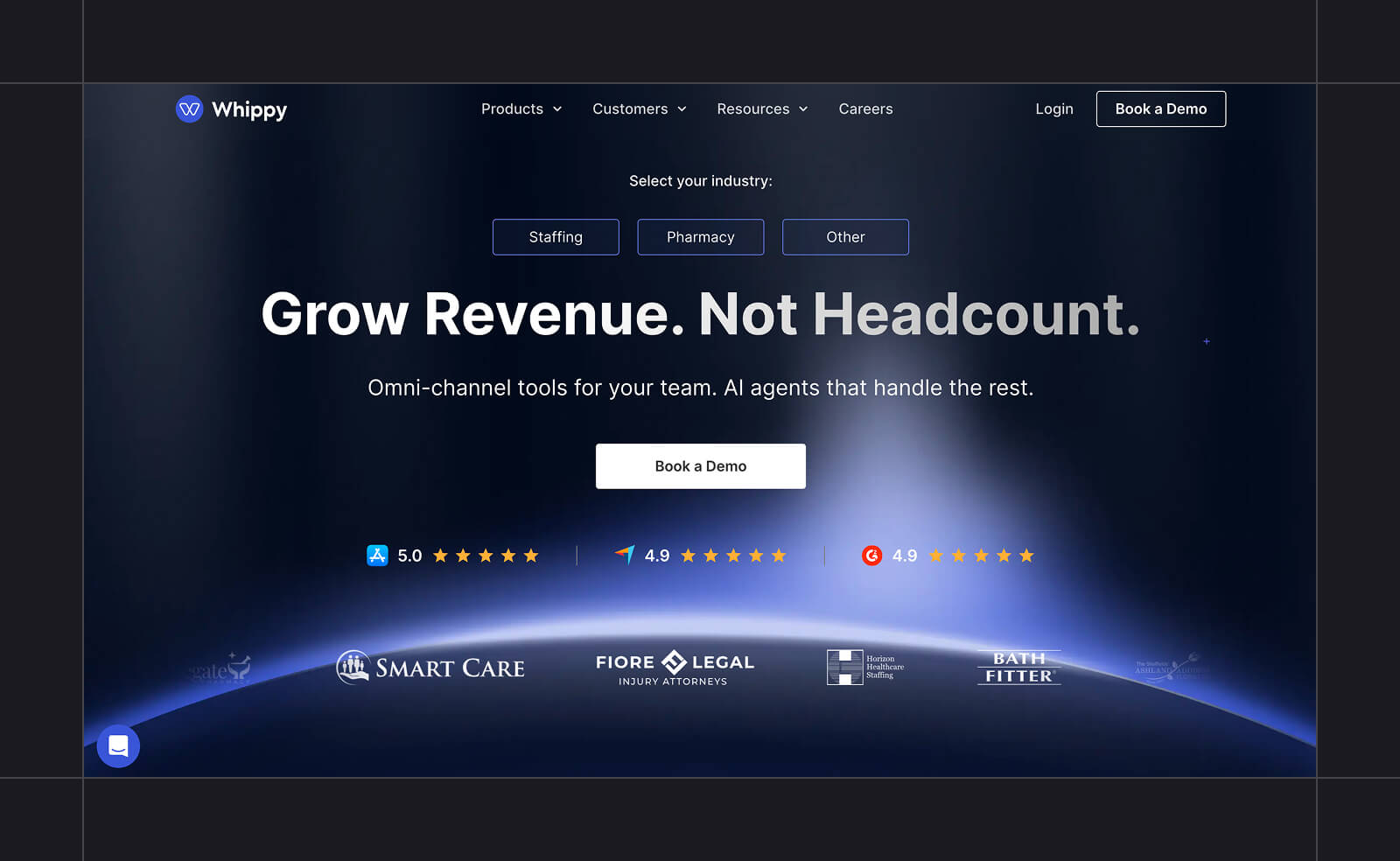
Core function: AI voice agents with call routing and a shared inbox
Best for: Voice and SMS Hybrid Use Cases
A business whose customers call as often as they text needs AI agents that can handle both equally well. Whippy combines AI voice agents with SMS and live chat in one shared inbox, so a call and a text thread about the same customer live in the same place.
The tool can automatically route calls based on rules a business sets and transcribe voicemails to text. It can also place outbound calls on its own, like confirming an appointment or following up on a lead that a sales team hasn’t reached via text. The AI voice agents work in more than 50 languages, meaning businesses can serve customers in their own language.
Healthcare clinics juggling appointment calls alongside reminder texts, or staffing agencies fielding calls from candidates while texting job details, are the kinds of businesses that benefit most from this tool.
Key features:
- AI voice agents for inbound and outbound calls, available in 50+ languages
- Smart call routing and voicemail transcription
- Shared inbox combining SMS, live chat, and voice in one place
- HIPAA-compliant texting, relevant for healthcare use cases specifically
Pricing: The base platform starts at $200/month (2,000 credits), with tiers scaling to Essentials ($400), Growth ($800), Premium ($1,500, including an AI chatbot), and Professional ($3,000, unlimited chatbots). Voice AI doesn’t list pricing and is instead billed on successful call outcomes.
10. Podium
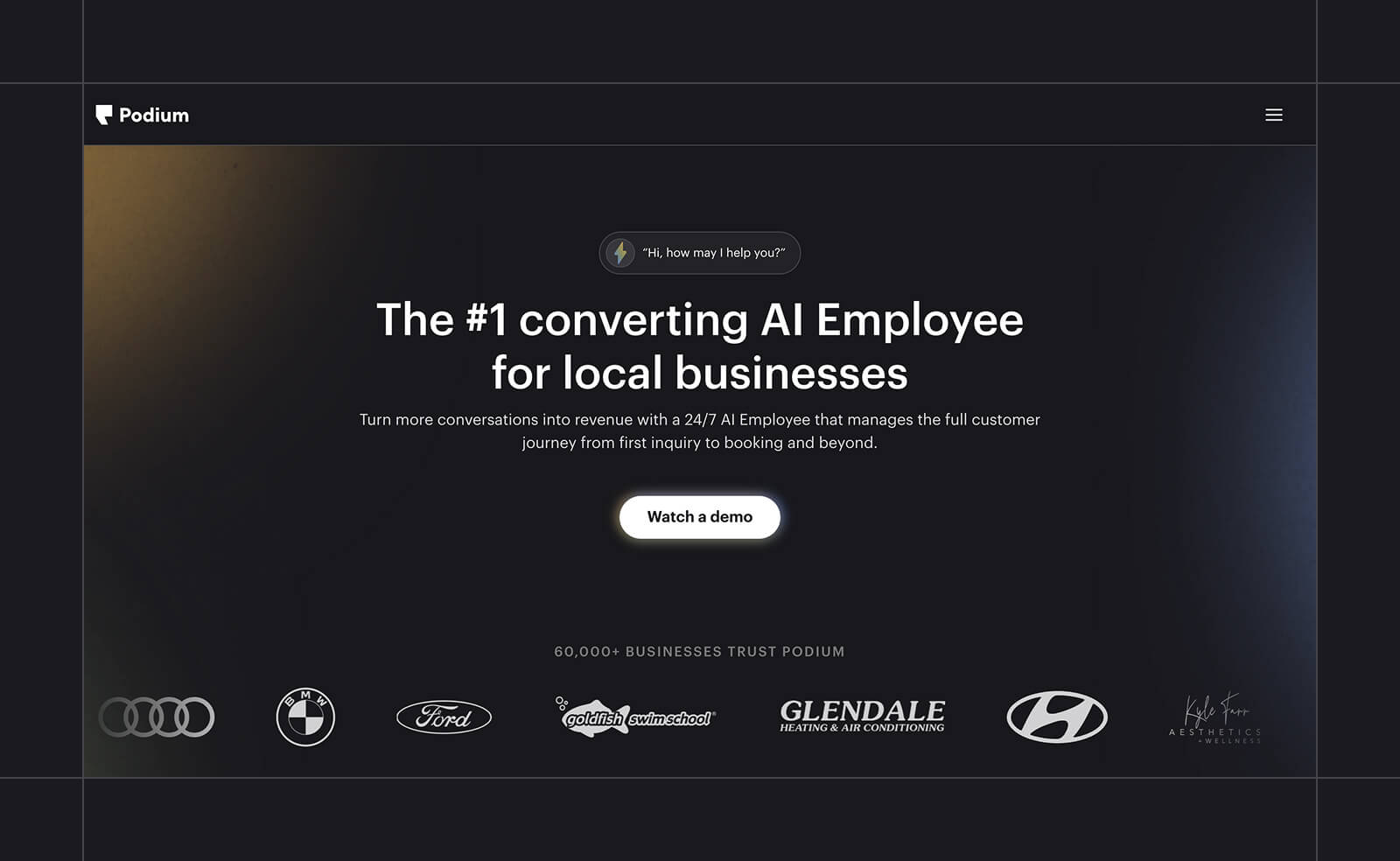
Core function: AI agents for reputation management and lead response
Best for: Local Business Reviews and Messaging
Podium is a messaging and review management platform built for local, often single-location businesses where online reputation matters as much as answering a text quickly. Its AI Reputation Specialist automatically requests a Google or Facebook review after a visit or purchase. Customer conversations then run through the same inbox.
The AI doesn’t stop at reviews. When a lead texts in, AI Concierge can answer, ask qualifying questions, and book an appointment without anyone on staff having to pick up the thread. And its AI Phone Call Summaries can generate a summary after each call, so a team can scan what happened without replaying the call.
Key features:
- Automated review requests across Google, Facebook, and other platforms
- AI-handled lead response and appointment booking
- AI-drafted review responses and invitations
- AI call summaries for voice interactions
Pricing: Podium doesn’t publish pricing. Getting a quote requires a sales conversation with their team.
What To Look For in an AI Messaging Platform
The best AI messaging app depends on which channels you want covered, how you prefer handoffs to work, and which integrations are available. A small business owner might care more about channel coverage than about integrations. Here’s what else to look for when choosing an AI messaging platform.
Channel Coverage
Most platforms cover SMS, WhatsApp, web chat, and sometimes Slack or Teams, but rarely all of them equally well. A long list of supported channels matters less than how well the platform handles the one you’ll rely on most. Textedly and Whippy lean into voice calls and SMS, while Manychat is built specifically around Instagram and Facebook.
What to look for: Whether a channel was part of the platform from the start or added later as part of expansion. A platform built around SMS from day one usually handles things like delivery rates and compliance better.
Human Handoff
AI messaging apps also need a plan for the moment when they can’t answer something. A good handoff carries the full conversation and context to the next person, so the customer doesn’t have to repeat themselves. A weak one drops the conversation on someone’s desk with no history attached.
How much this matters depends on your industry. A healthcare office or a business answering legal or financial questions may face consequences if a bot gets something wrong.
Knowing when to route to a person matters more here than it would for a simpler business. A smooth handoff means the person has everything they need to pick up the conversation, no matter how complex the back-and-forth was.
What to look for: The specific information that’s transferred to the human agent when the AI hands off. Look for details that are important for your specific business.
Integrations
An AI messaging platform is only as useful as what it connects to, whether that’s a help desk or a customer relationship management (CRM) system that tracks your business data. Beyond those two, many platforms also connect to payment processors, e-commerce tools, or a general-purpose automation tool like Zapier.
Integrations matter when a business wants a conversation to trigger an action outside the messaging platform, like updating an order status or automatically logging a lead.
What to look for: Confirm the specific integration you need is a native, built-in connection rather than something routed through a third-party automation tool. A native integration tends to sync data in real time and is more likely to survive a platform update.
Pick Textedly as the AI Messaging Platform for Your Business
Before choosing an AI messaging platform, check that the features you need are included in the plan you’re buying. That’s easier said than done, since it’s hard to know which AI features a business will need before it has used any of them.
Some platforms hold their AI tools for higher tiers, so growing can mean paying more just to get what you wanted from the start.
With Textedly, you get the full platform with every plan, including AI agents that handle calls and texts. Moving up a tier just means getting more messages out. Create an account to try it with a 50-message free trial.
Related resources:
- AI Voice Agents vs. IVR Phone Systems: Which is the Best Answering Service?
- Textedly + OpenAI GPT-4.1
- How to Automate Text Messages for Your Business
- How to Automate Google Reviews With SMS
AI Messaging Platform FAQ
What’s the difference between an AI messaging platform and a chatbot?
A chatbot answers from a fixed script or a narrow set of trained responses, and it isn’t always AI-powered. Many just follow simple decision-tree logic. A chatbot might live within an AI messaging platform as one of its components. The platform covers everything around that: the channels a business sends from, the handoff to a person, and the integrations connecting a conversation to a CRM or help desk.
Is ChatGPT an AI messaging platform?
No, ChatGPT is a general-purpose AI assistant. AI messaging platforms are typically built for businesses, with tools for sending SMS campaigns and integrating with CRM systems. An example of an AI platform would be Textedly, which uses a model like GPT-4.1 behind the scenes. But the platform itself is the business infrastructure around that model.
Do AI messaging platforms work with WhatsApp and SMS?
Many do, but not universally. Sendbird and Manychat both support WhatsApp alongside other channels, while platforms like Textedly are built specifically around SMS. Check whether the channel coverage you want is available on the platform you’re researching.
How much does an AI messaging platform cost?
Cost depends on the platform. Published starting prices range from free plans to a few hundred dollars a month, and some tools add per-seat or per-resolution charges on top. Enterprise and developer-built platforms like Kore.ai and Qualified require a custom quote. Since pricing models differ this much, compare what each plan includes alongside the monthly cost.
Related Articles

How to Send SMS From Shopify Using Textedly Integrations

Omnichannel Marketing: A Complete Guide


Your Customers Are Waiting
Send your first text in minutes—no contracts, no credit card, no hassle.