
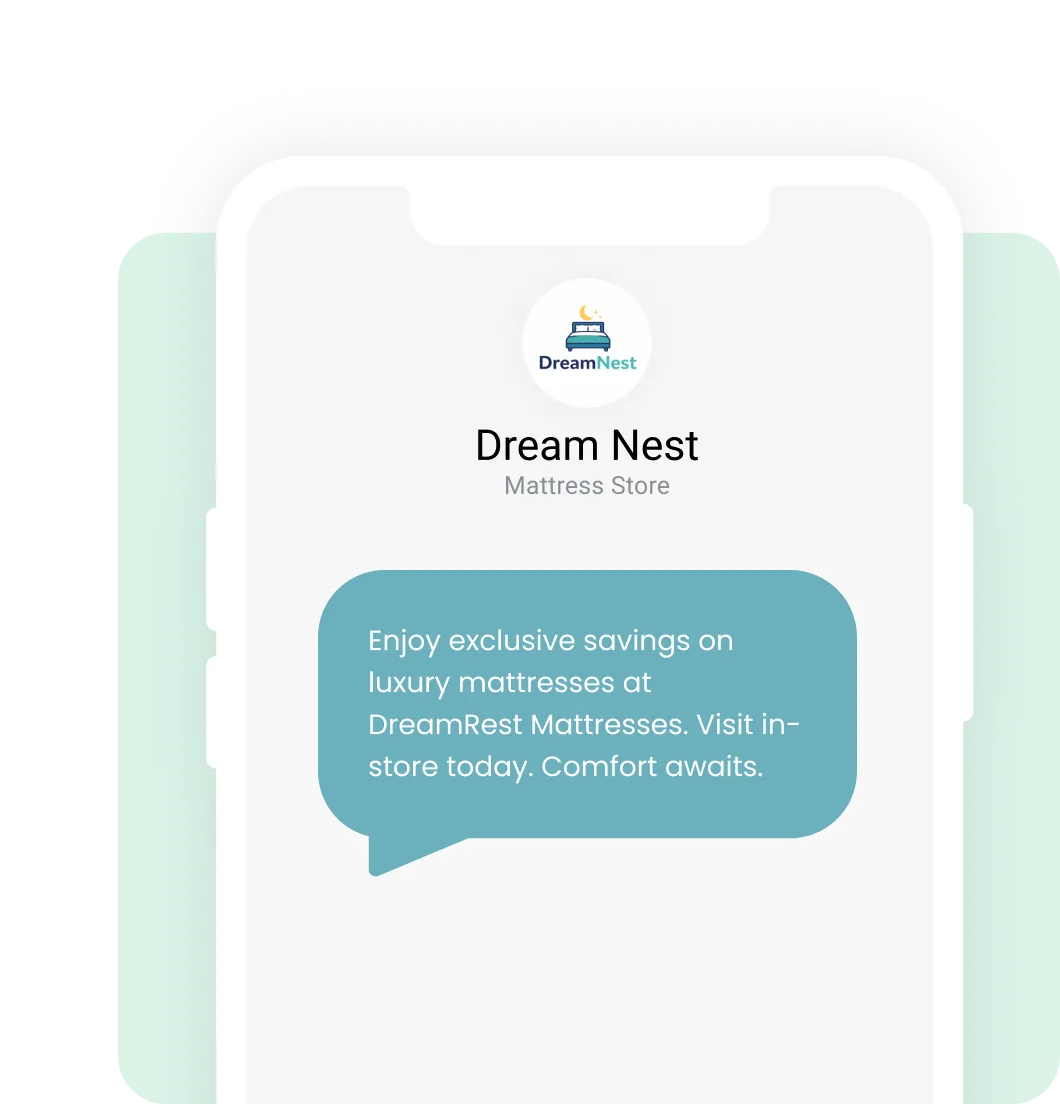
You have crafted the perfect message. You hit send. But when it lands on your customer’s phone, you are just another unknown, 10-digit number.
In a world full of spam and robo-calls, anonymity is the enemy. If they don’t know who you are, they won’t engage.
It’s time to get on a first-name basis with your customers.
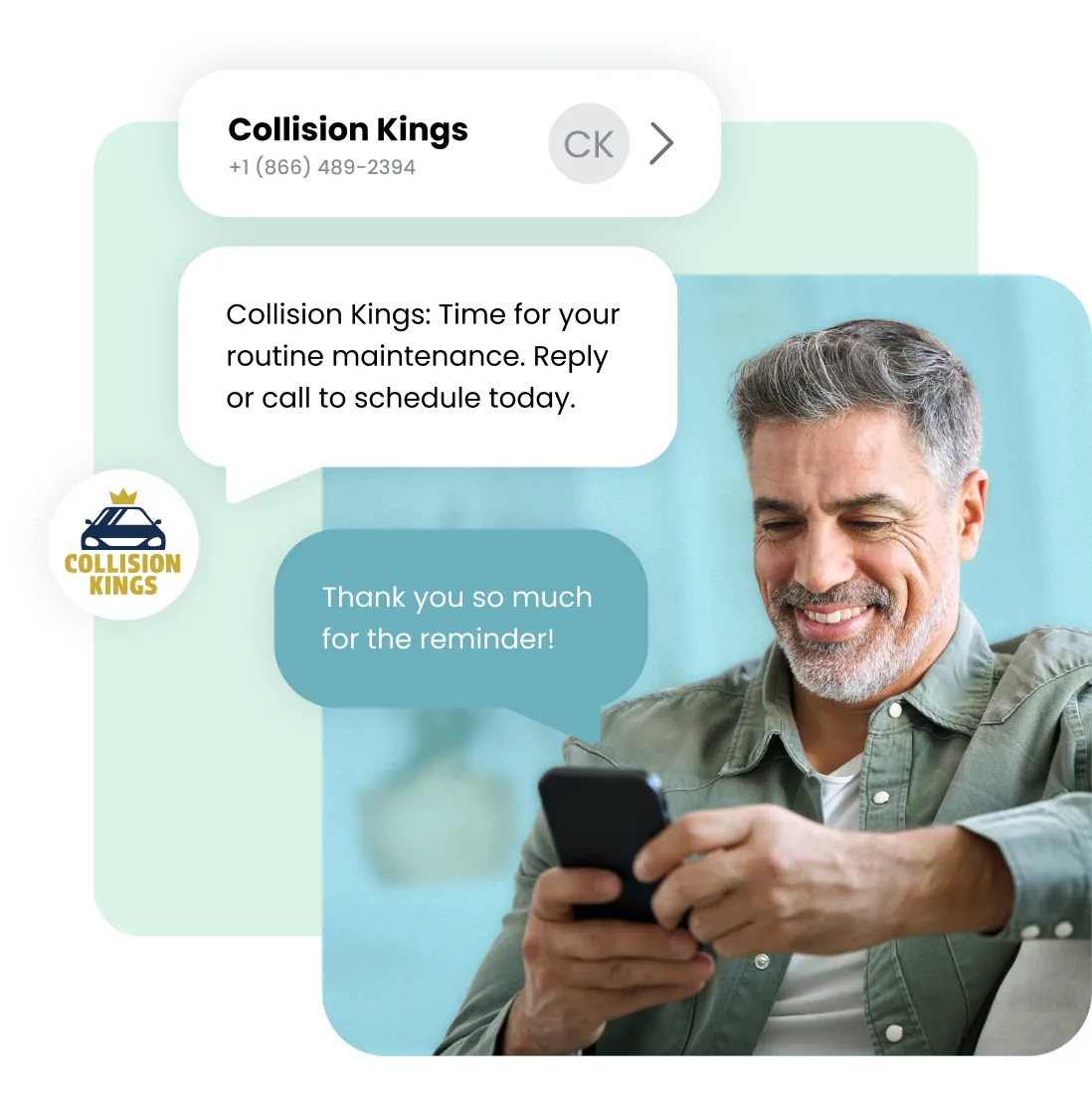
Textedly now gives you the power to send Mobile Contact Cards (also known as vCards or .vcf files) directly through MMS.
This feature transforms your text messaging strategy by allowing you to attach a standardized digital business card to your texts. With a single tap, your customers can save your contact information directly to their phone’s address book.
The Result: The next time you text them, your message appears under your Business Name, not a random phone number.
A .vcf file (Mobile Contact File) is the global standard format for storing and sharing mobile contact information. Think of it as a digital business card that lives natively on mobile devices. Textedly uses this format for our Mobile Contact Cards because it is compatible with Mobilely all mobile devices, allowing users to save your details with a single tap.
Unlike a physical card that gets lost, our .vcf files are designed for action. It can contain:
Universal Compatibility: Because the .vcf format is standardized, it can be easily imported into iPhone/Apple Contacts, Android/Google Contacts, and Microsoft Outlook without the need for any third-party apps.
Textedly makes it incredibly simple to create and attach .vcf files to your campaigns.


.svg)


Send a vCard with your headshot immediately after a lead inquiry so they know exactly who is texting them about listings.

Ensure your customers recognize your flash sale alerts by having your Store Name saved in their phone.

Plumbers, HVAC, and delivery drivers can ensure clients answer their texts and calls by establishing identity first.
Stop being a random number. Start building relationships that last.
Ready to get your inbound SMS messages for free? Sign up for your free trial of Textedly today!
No credit card required. Instant set up.
.svg)


.webp)
.webp)
.webp)