The 8 Best AI Receptionist Software in 2027: Pricing and Features
Compare the best AI receptionist software for answering calls, booking appointments, and texting callers back. See what each tool costs and who each fits.

KEY TAKEAWAYS
- Only 42% of callers leave a voicemail when a business doesn't pick up, according to a 2025 CallRail survey.
- An AI receptionist answers the phone 24/7, handles common questions, books appointments, and passes complex calls to your team.
- Pricing models vary widely. Some tools bill per minute, others per call or per unique customer, so compare plans against your real call volume.
- Some tools also send callers a booking confirmation or follow-up by text after a call.
- Textedly's AI voice and messaging agents are included on every Textedly plan. They run on your existing Textedly number, so calls and texts share one inbox.
In a 2025 CallRail survey of 1,000 US consumers, 78% reported giving up on a business after an unanswered call, and only 42% said they bother leaving a voicemail. For a business that runs on appointments, every unanswered call could mean a lost booking or a lead that goes to the next result on Google.
The best AI receptionist software picks up when your team can't. We ranked 8 tools based on how well they answer calls and book appointments. We also looked at their follow-up options, including whether they can text the caller after they hang up.
What Is an AI Receptionist?
An AI receptionist is software that answers your business's inbound calls with a conversational voice agent. It fields common questions, books appointments, takes messages, and hands calls to a person when needed. Most run 24/7 and understand natural speech, so callers can just say what they need instead of pressing buttons through a phone menu.
To set one up, you give the agent your website, PDFs, FAQs, and business hours—all the knowledge it needs to answer callers. Then it can book a slot on your calendar, transfer the call, send a text, or log details in your CRM.
A typical call follows four steps:
- Answer: The agent picks up right away, day or night.
- Understand: It identifies what the caller needs, such as a quote, an appointment, or directions.
- Act: It answers the question, books the appointment, takes a message, or transfers the call.
- Follow-up: It sends a summary to your team and, with the right tool, a confirmation text to the caller.
Pure AI receptionists handle every call with software, while hybrid services pair AI with a live virtual receptionist who can take over complex calls.
The Best AI Receptionists at a Glance
We compared each tool on appointment booking, integrations, text follow-up, pricing transparency, and human handoff.
1. Textedly: Best for Combined Voice and SMS Workflow
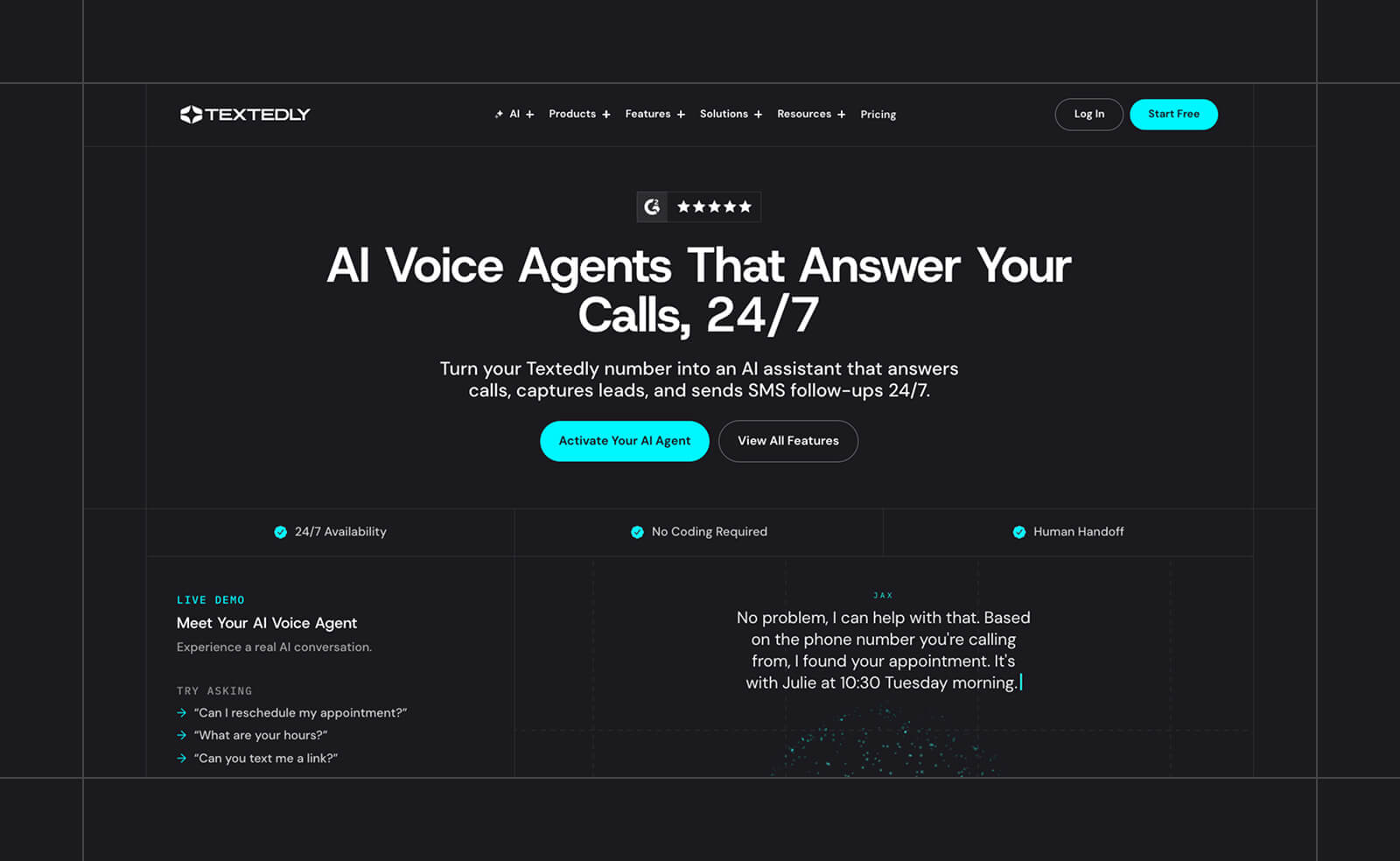
A caller asks for a quote at 9 p.m., and the link lands in their messages right after the call ends. That's the idea behind Textedly's AI voice and messaging agents, which answer inbound calls 24/7 on your existing Textedly number. The agent answers frequently asked questions, qualifies leads, books appointments, and passes callers to your team when a human needs to step in. It can also dial out to confirm appointments and cut down on no-shows.
After a call, the agent can text the caller a booking confirmation or a link to a quote. Those conversations land in the same two-way SMS inbox your team already uses, and the agents handle inbound texts too. A customer who calls on Monday and texts on Tuesday stays in one thread.
To set up an agent, choose a number, give it a name and voice, set its objectives, and upload documents about your business. Each call log includes a transcript, recording, and sentiment analysis. Textedly also connects natively or via Zapier with 3,000+ business applications, including Salesforce, HubSpot, Slack, Pipedrive, Shopify, and Mailchimp.
Pros:
- Calls and texts in one shared inbox
- AI agents included on every plan
- Transcripts and sentiment analysis on every call
Cons:
- Voice-minute pricing isn't published
- No named calendar integrations for booking
Best for: Combined voice and SMS workflow
Pricing: Starts at $29/month (monthly). Annual billing adds 20% more messages per month. Pricing scales based on messaging volume, with all features available to every user.
2. Smith.ai: Best for AI Plus Live Human Backup
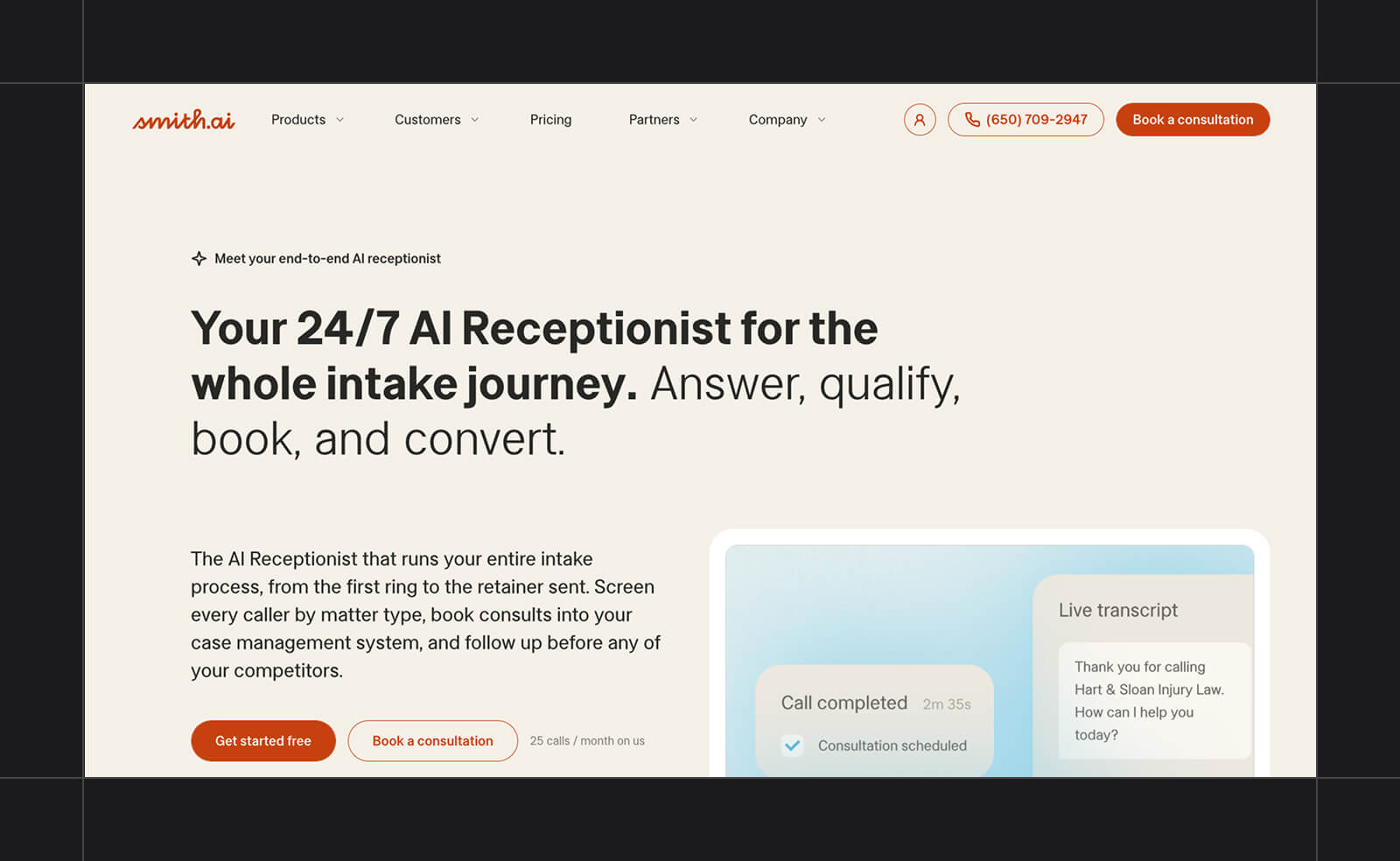
For businesses that can't afford to have an AI fumble an important call, Smith.ai pairs its AI receptionist with a team of 500+ live receptionists based in North America. It screens spam, qualifies leads, and books through Calendly and other calendars. When a call needs a person, it can warm-transfer the caller to someone on your staff (passing along what the caller already said) or hand the call to one of Smith.ai's own live receptionists.
Most of Smith.ai's examples and testimonials come from law firms, and its integrations reflect that focus. It connects natively with the legal practice tools Clio Grow and Clio Manage, along with Salesforce and HubSpot.
The catch is per-call billing, which adds up fast for businesses that get many short calls.
Pros:
- Free plan with 25 calls a month
- Live human receptionists available as backup
- Native Clio, Salesforce, and HubSpot integrations
Cons:
- Per-call pricing adds up at high volume
- 30 days' notice required to cancel
- Hybrid pricing is unclear on its site
Best for: AI plus live human backup
Pricing: Free plan available with 25 calls a month ($3 per extra call). Paid plans start at $150/month for Pro, which includes 75 calls and dedicated onboarding.
3. Goodcall: Best for Local Businesses on a Budget
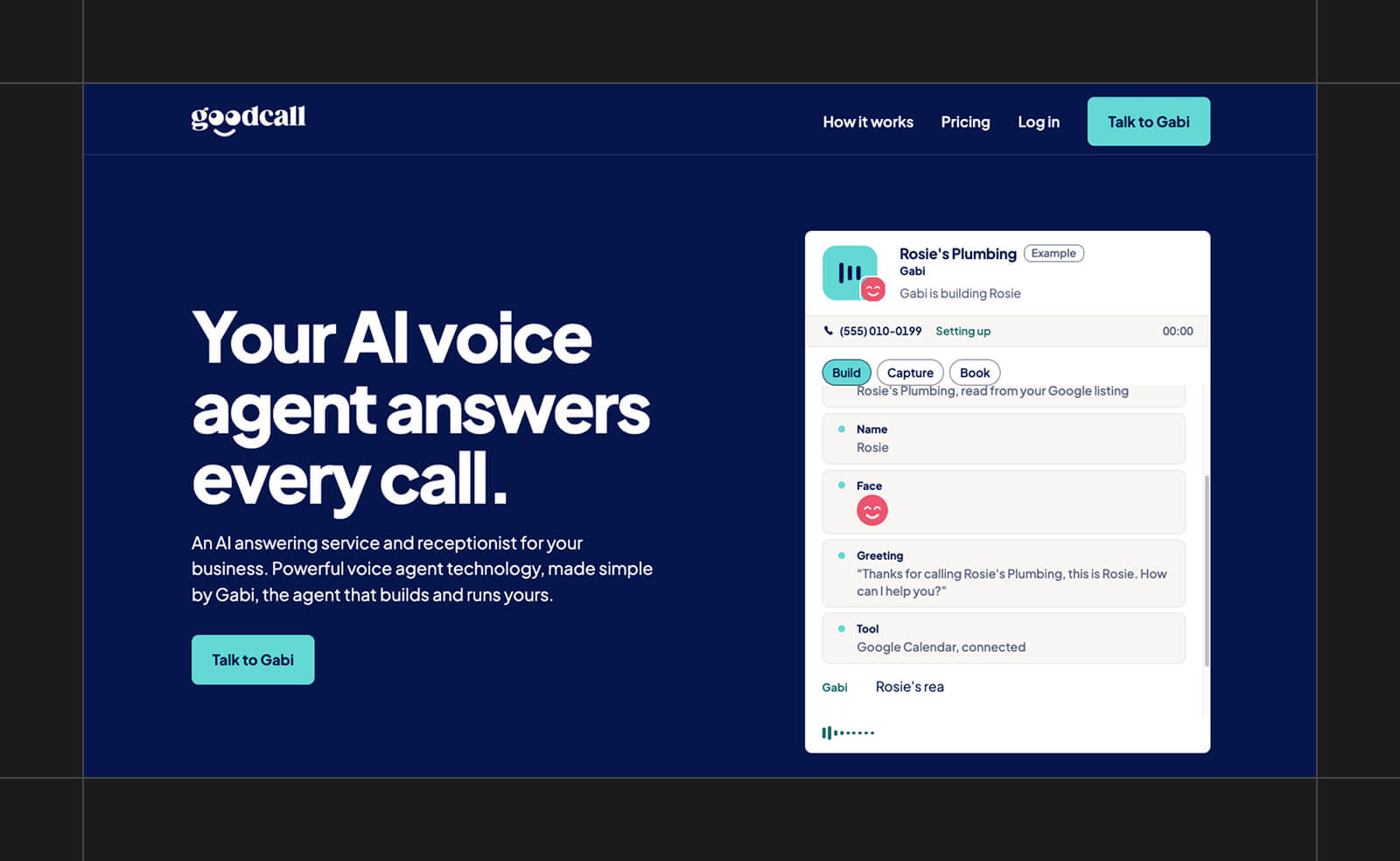
Goodcall has the friendliest pricing model for chatty customers. It bills per unique customer instead of per minute or per call, so the person who calls three times to reschedule doesn't cost you triple. The agent books appointments on Google Calendar and texts callers the details. When a caller needs a person, it works down a list of up to three escalation contacts. After every call, you get the lead details by text and email, plus a recording and transcript.
Goodcall says it's SOC 2 and HIPAA compliant, which is important if you run a dental or medical office. Its texting is outbound only, though, and the Starter plan connects to just one external tool, with more on higher plans (including through Zapier).
Pros:
- Billed per unique customer, not per minute
- No setup fees or contracts
- Free demo agent to test before paying
Cons:
- Can't receive text replies yet
- One external tool on Starter
- Starter plan limited to one team member
Best for: Local businesses on a budget
Pricing: From $79/month for Starter, which includes 100 unique customers a month (79¢ per additional customer).
4. Synthflow: Best for Building Custom Voice Agents
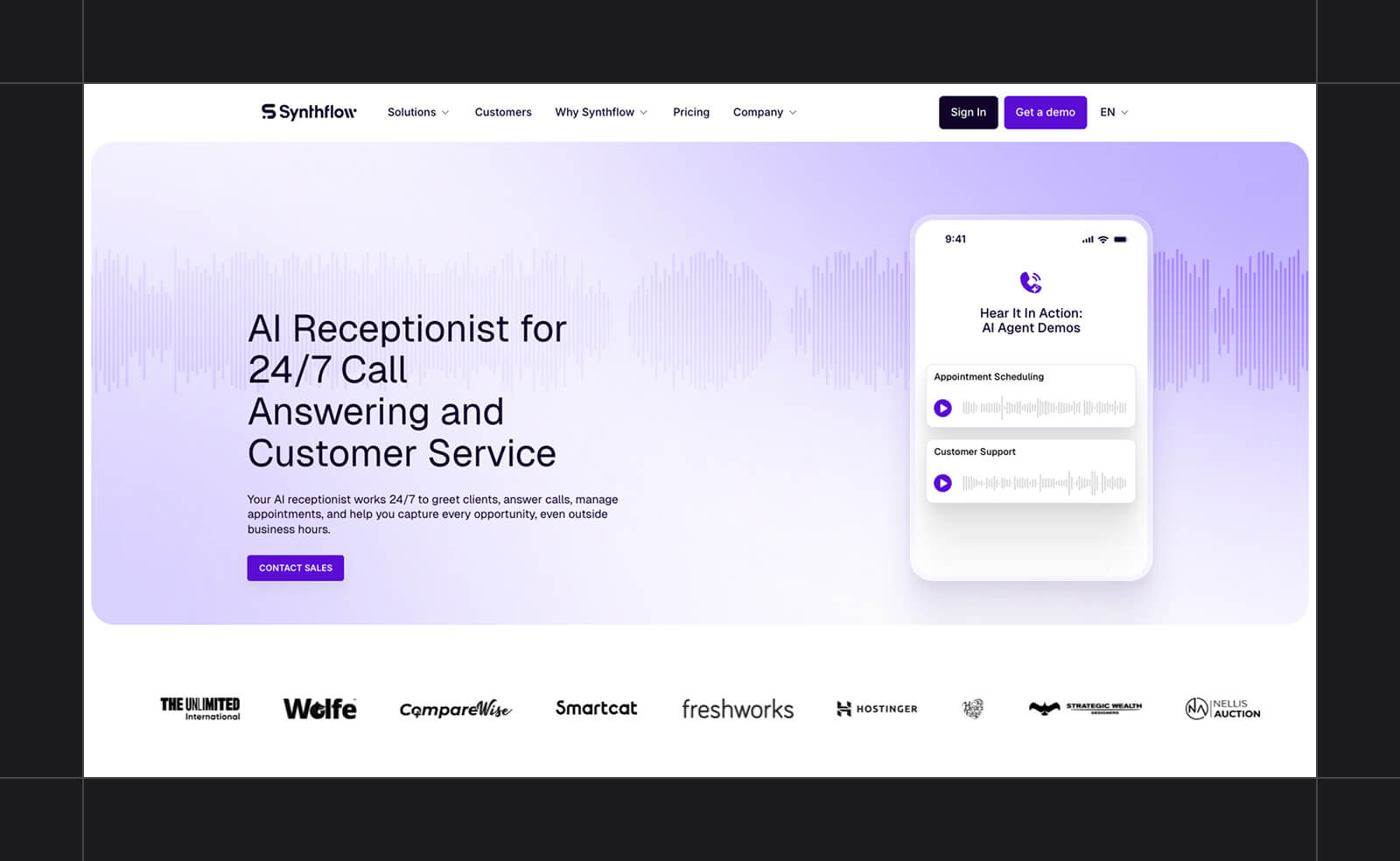
Unlike the plug-and-play tools on this list, Synthflow is an enterprise voice AI platform for teams that want full control over their call flows. With its visual Flow Designer, you map out each call flow, down to when failed attempts or caller sentiment should trigger a transfer to a person. The platform handles dozens of simultaneous calls and connects to Salesforce, HubSpot, Cal.com, GoHighLevel, and Zapier, plus contact center systems like Genesys.
Synthflow now sells only an Enterprise plan, and its engineers handle implementation. That puts it out of reach for most single-location businesses. It's best suited to multi-location businesses and high-volume call operations that need more customization than the other tools on this list offer.
Pros:
- Detailed control over call flows
- Handles dozens of simultaneous calls
- Connects to contact center platforms
Cons:
- Enterprise contracts only
- Purchase and setup go through sales
- Annual contract only; no free plan or trial
Best for: Building custom voice agents
Pricing: Contact for pricing.
5. Rosie: Best for Home Service Businesses
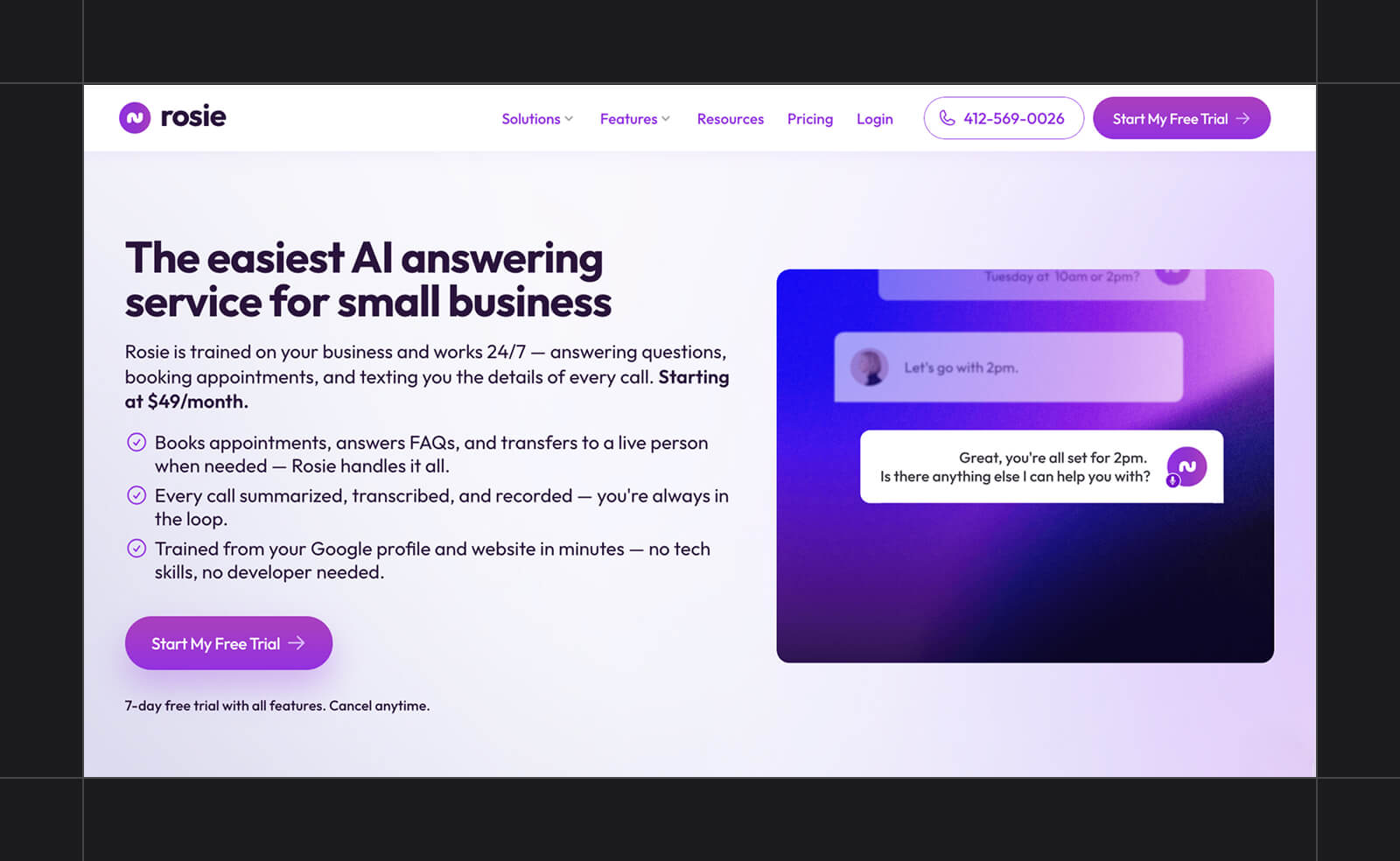
Plumbers, HVAC techs, electricians, and roofers spend most of the day with their hands full, and Rosie is an AI answering service built around that. It trains itself from your Google Business Profile or website, so setup is quick. Once it's live, it handles multiple calls simultaneously, filters spam, and sends a summary, transcript, and recording for every call. Its iOS and Android apps let you check call summaries and transcripts from your phone between jobs, without heading back to the office.
The entry plan is cheap but limited. At that tier, Rosie texts callers a booking link instead of booking directly on your calendar, and it can't transfer calls. Both features start on the $149/month Scale plan.
Pros:
- Trains itself from your Google Business Profile
- Low-cost entry plan
- Native iOS and Android apps
Cons:
- Calendar booking and transfers start at $149/month
- Overage rates aren't published
- Minutes capped on every plan
Best for: Home service businesses
Pricing: Paid plans start at $49/month for Professional, which includes 250 minutes and appointment links sent by text. 7-day free trial available.
6. Dialzara: Best for After-Hours Coverage
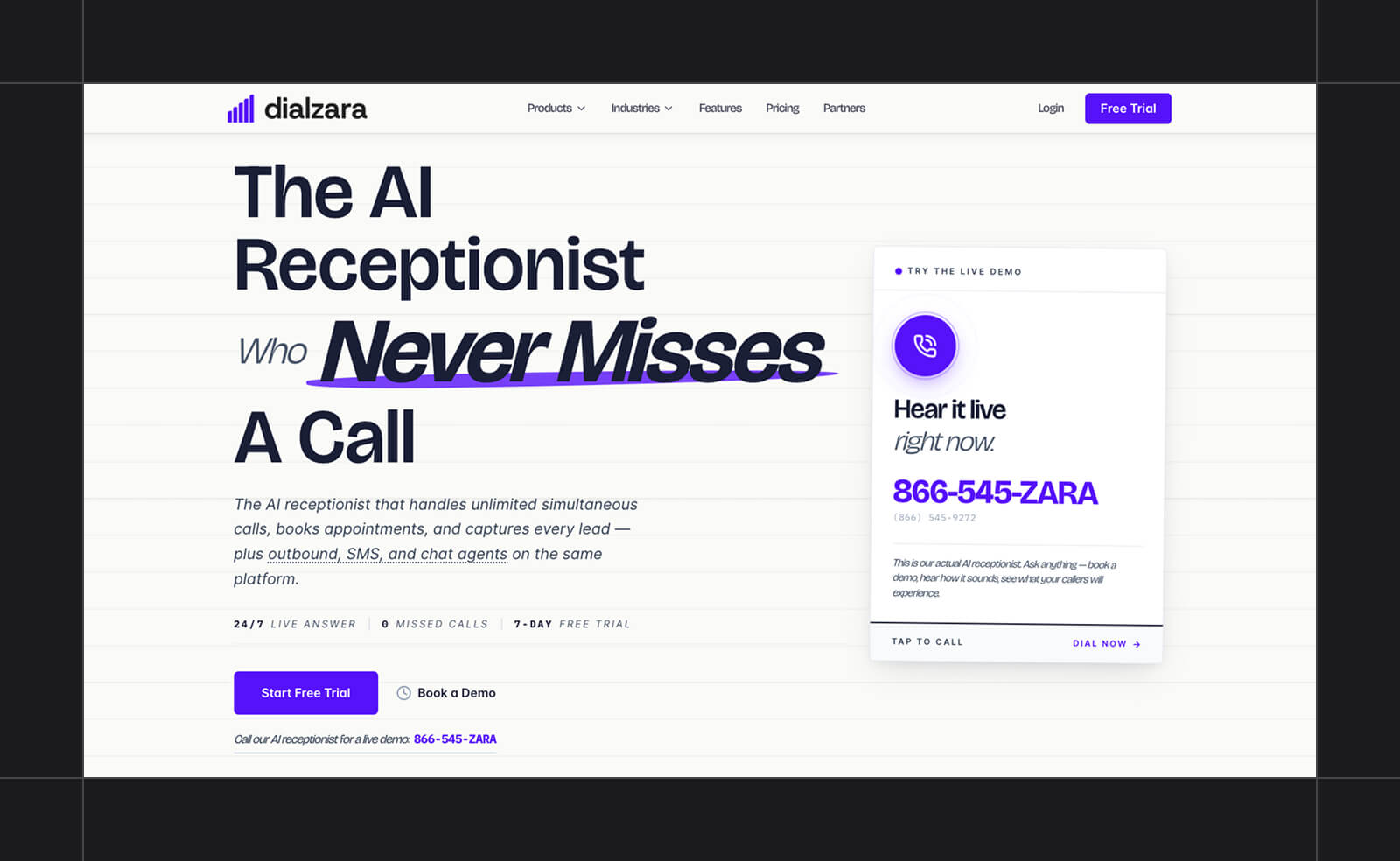
Dialzara is an inexpensive way to stop sending evening and weekend calls to voicemail. It answers calls, books appointments, qualifies leads, and routes calls. Its two-way AI SMS agent can handle the same booking and qualifying over text, with per-message fees in addition to the voice plan. Every paid plan includes a setup call with a prompt engineer, which is great news if writing your own AI instructions sounds like homework.
With only 60 minutes a month, the entry plan is better suited to occasional after-hours calls than to covering a full phone line.
Pros:
- $29/month entry plan
- Setup call with a prompt engineer included
- Two-way AI SMS agent (per-message fees)
Cons:
- Only 60 minutes on the entry plan
- Per-minute overages on every plan
- Transfer availability by plan is unclear
Best for: After-hours coverage
Pricing: Paid plans start at $29/month for Business Lite, which includes 60 minutes ($0.48 per extra minute). 7-day free trial available.
7. RingCentral AI Receptionist: Best for Teams Already on RingCentral
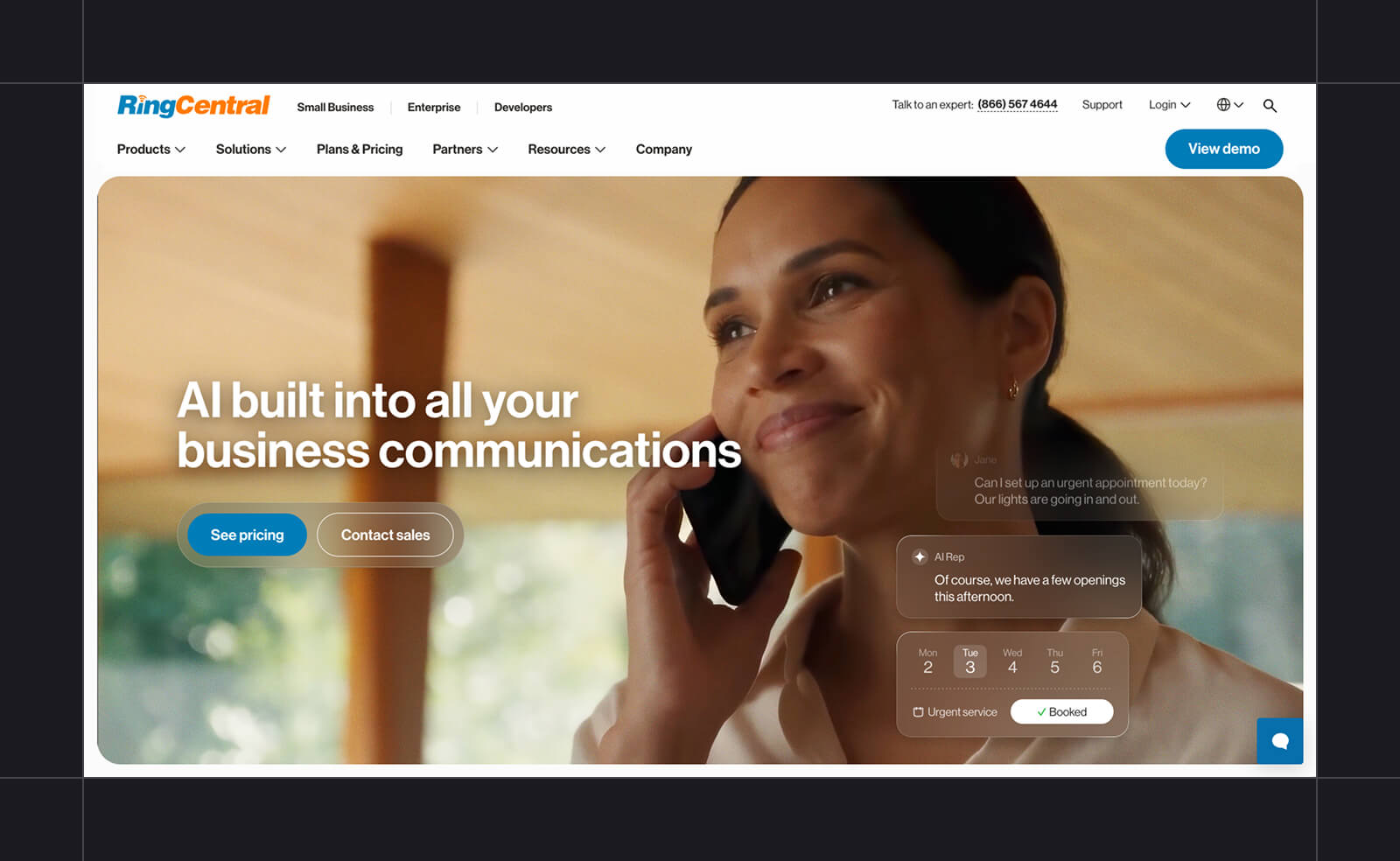
If your business already runs on RingCentral's RingEX phone system, RingCentral AI Receptionist (also called AIR) adds AI call answering without switching providers. It can sit inside existing call queues and transfer calls to users, queues, or outside numbers. And if you're not on RingEX, a standalone version works with other phone systems through call forwarding. It switches automatically between English, Spanish, French, Italian, German, and Portuguese. It also supports booking through Google, Outlook, and Calendly and integrates with Salesforce, Zoho, and HubSpot.
The standalone plan includes 100 minutes, and each extra minute costs $0.50.
Pros:
- Many languages with automatic switching
- Works with RingEX or other phone systems
- HIPAA and SOC 2 compliant
Cons:
- Only 100 minutes included
- $0.50/minute overage
- AI texting may cost extra
Best for: Teams already on RingCentral
Pricing: From $49/month for the standalone AI Receptionist, which includes 100 minutes ($0.50 per extra minute). AI Receptionist with RingEX costs $39/month plus $30/month for RingEX Core.
8. My AI Front Desk: Best for Simple Appointment Booking
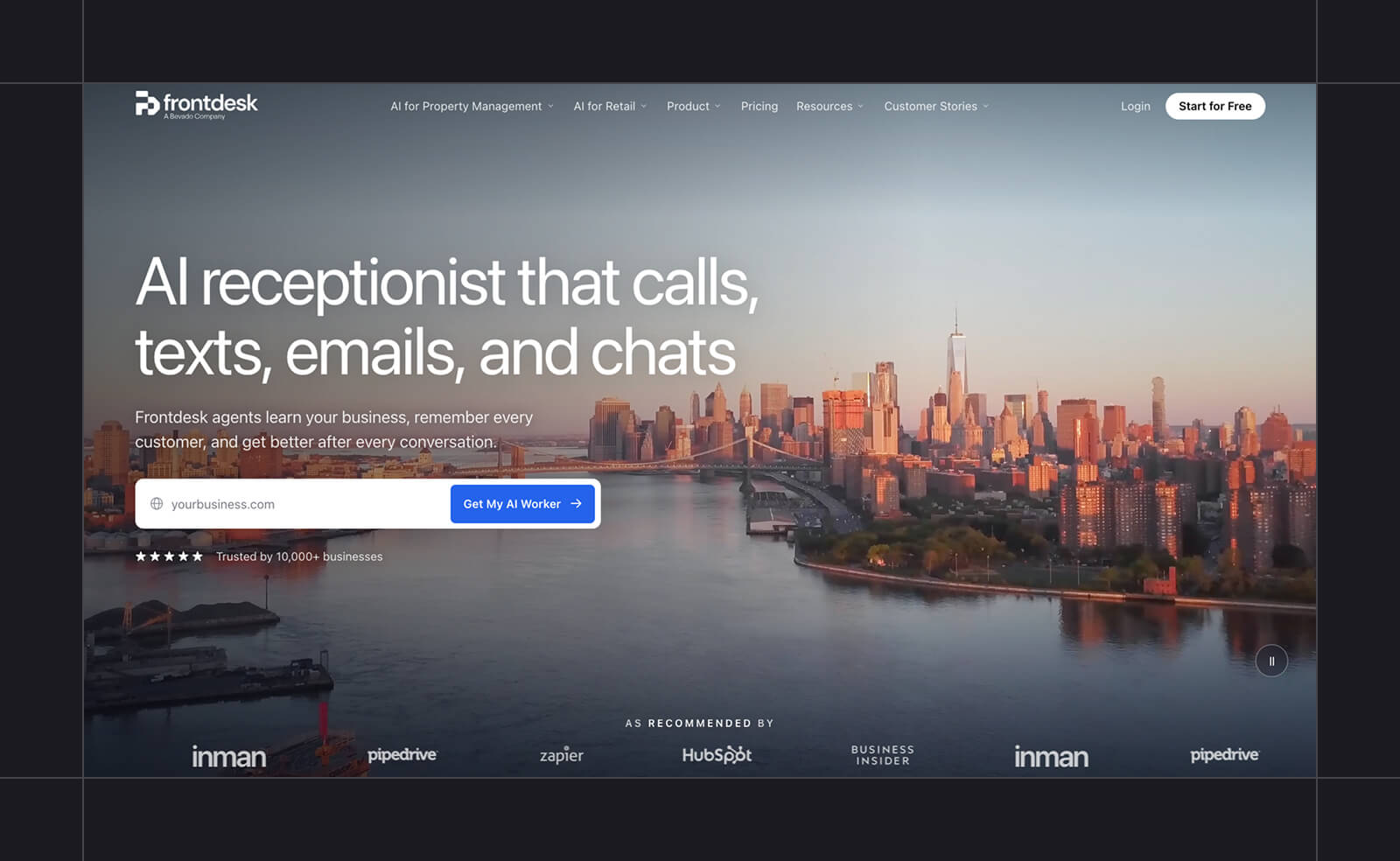
My AI Front Desk is an excellent fit if most of your calls lead to appointments. It connects to Google Calendar, Calendly, Cal.com, and Acuity, so callers can book and reschedule without anyone on your team touching the calendar. It also chases no-shows with follow-up messages. The Business-in-a-Box plan includes 200 voice minutes, 400 two-way text messages, a website chatbot, and Zapier for connecting other apps. Its help center also lists CRM integrations, including HubSpot, Salesforce, and Pipedrive.
The limits are in the fine print. You get two of each agent action (so two transfer setups, for example), and the knowledge base caps out at 20 pages. That's fine for a single-location business with a simple booking flow and cramped for anything more complex.
Pros:
- Connects to four major calendar tools
- 400 text messages included each month
- $0.25/minute voice overage
Cons:
- Only two of each agent action on Business
- 20-page knowledge base cap
- Email-only support on Business
Best for: Simple appointment booking
Pricing: Paid plans start at $99/month for Business-in-a-Box ($79/month billed annually), which includes 200 voice minutes and 400 text messages. 7-day free trial available.
How To Choose an AI Receptionist
Answering the phone is table stakes. What separates these tools is what happens after the call—whether the appointment gets booked, confirmed, and followed up on. As you compare options, run through this checklist:
- Natural-sounding voice: Call a demo line yourself before you buy. If it sounds robotic to you, it'll sound robotic to your customers.
- Calendar booking: Confirm that the tool books directly on the calendar you already use.
- Knowledge-base training: Check what you can upload and how much.
- Call transfer and human handoff: Make sure the AI receptionist can warm-transfer calls and alert you when nobody answers.
- CRM and Zapier integrations: Check that call data can flow into your CRM and the other tools your team uses every day, either natively or through Zapier.
- Call transcripts and summaries: Confirm you'll get a transcript and summary of every call, especially the ones you missed.
- Text follow-up: Check whether the tool can text booking confirmations after a call and send automatic text replies so inbound texts don't go unanswered either.
- After-hours rules: Decide whether you want the agent answering every call or only nights and weekends, then check that the plan's minutes and pricing support that.
- HIPAA compliance: If you're in healthcare, confirm the tool is HIPAA compliant before you sign anything.
AI receptionists can be a good fit for home services, dental and medical offices, salons, legal intake, and real estate.
Why Textedly Is the Best AI Receptionist for Voice and Text
If you just need someone to catch overflow calls, a basic AI answering service will do the job. Textedly makes more sense when a call usually leads to more conversation: a booking to confirm, a quote to send, or a question that shows up by text the next day. A salon client who books by phone gets a confirmation text they can reply to. A homeowner who calls for a quote gets the link by text and can respond whenever they're ready. Your team sees the whole exchange in one inbox instead of piecing it together from call logs and a separate SMS app.
Textedly's AI voice and messaging agents answer calls on your Textedly number around the clock, book the appointment, and send the follow-up text in the same thread. Set up an agent on your existing number and start turning missed calls into booked appointments.
AI Receptionist FAQ
Can an AI Receptionist Book Appointments?
Yes. Most AI receptionists can book appointments directly on your calendar or text callers a booking link. Supported calendars vary by tool and plan, so check that yours is on the list.
Will Callers Know They Are Talking To AI?
Some will. Today's voice agents sound far more natural than old-school phone trees, but sharp-eared callers can still tell. That’s why it's good practice to have the agent introduce itself as an AI assistant.
How Long Does It Take To Set Up an AI Receptionist?
Setup time depends on the tool. Self-serve options like Rosie train themselves from your website or Google Business Profile, so you mainly forward your number, set booking and transfer rules, and test a few calls. Enterprise platforms like Synthflow take weeks of implementation.
Can an AI Receptionist Transfer Calls to a Person?
Yes. Most tools transfer calls to your team, and many support warm transfers that pass along caller context. Some answering services on this list, like Rosie, reserve transfers for higher-tier plans, so check before you buy.

Related Articles

Home Services Marketing: 11 Strategies To Get More Leads

10 of the Best AI Messaging Platforms for Businesses

AI in Customer Service: Tips, Use Cases, & How to Choose

How to Send SMS From Shopify Using Textedly Integrations


Your Customers Are Waiting
Send your first text in minutes—no contracts, no credit card, no hassle.